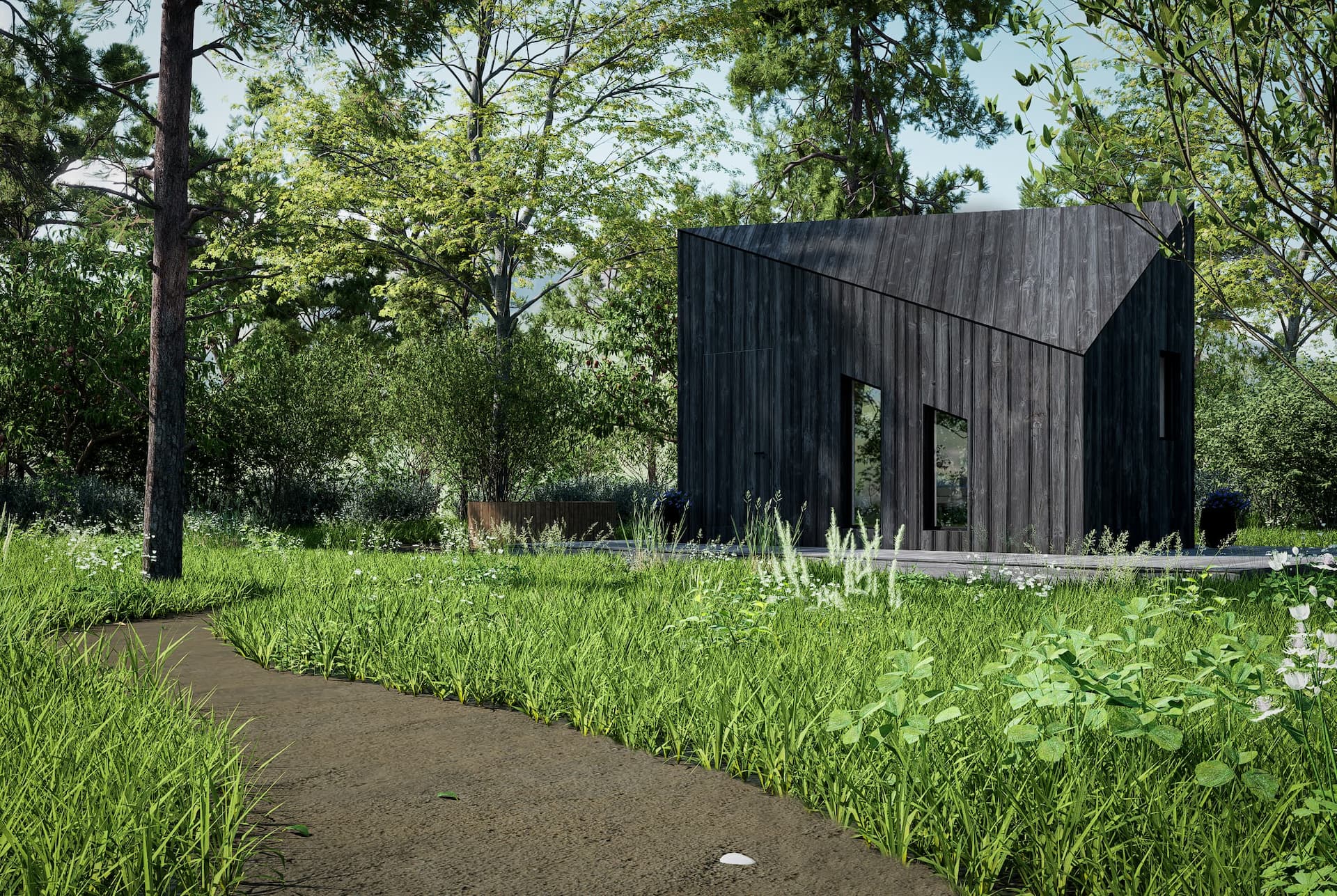
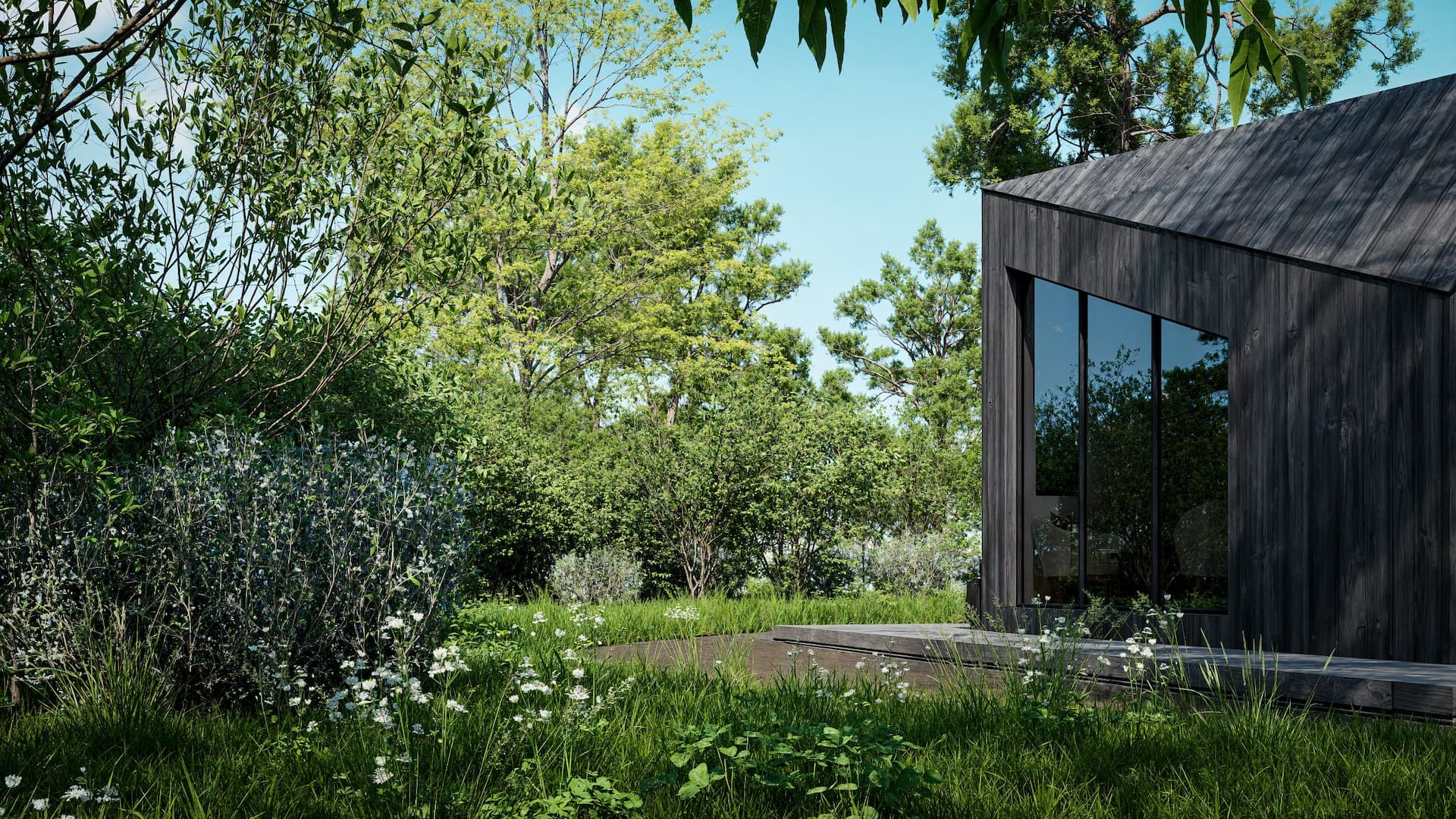
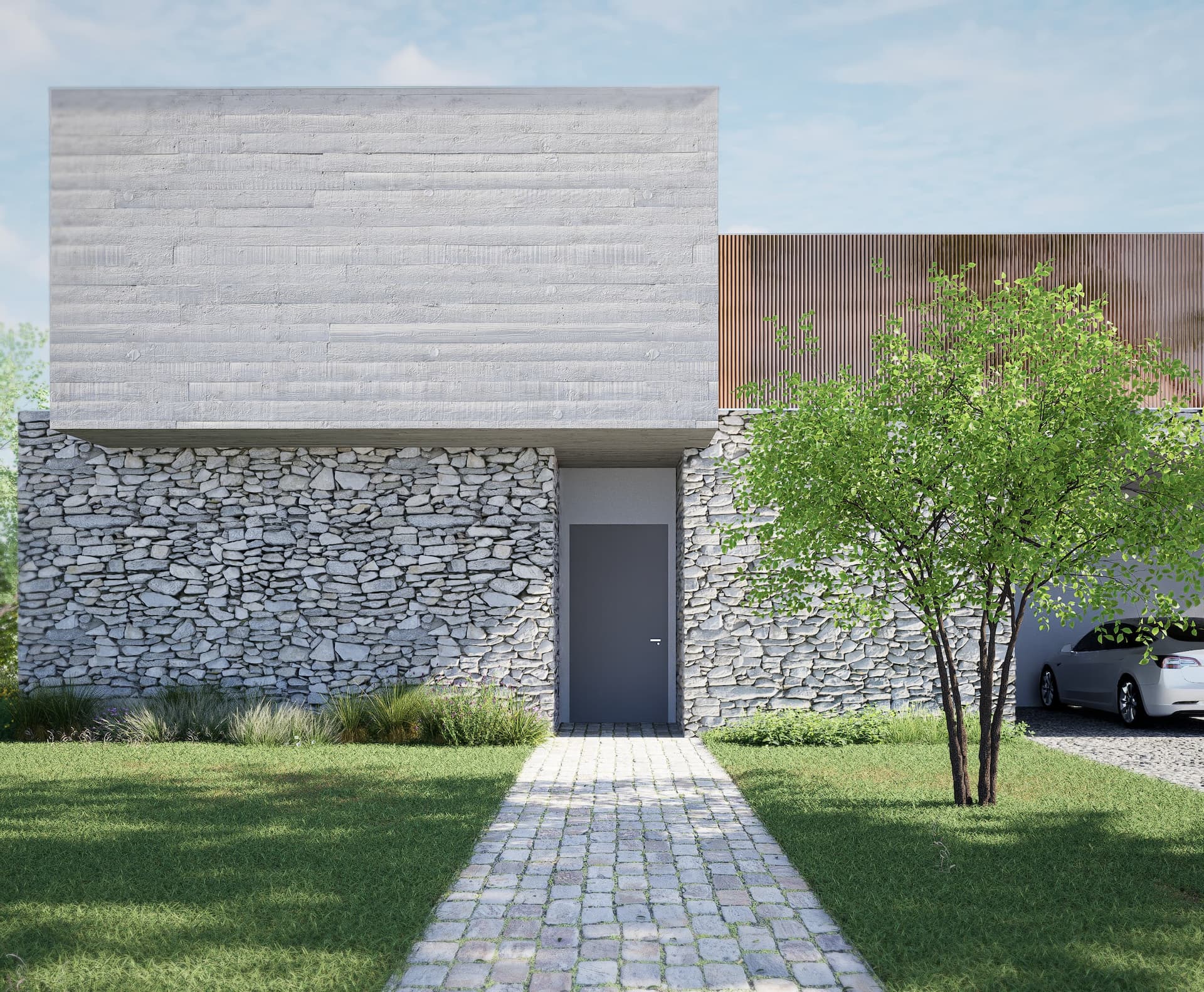
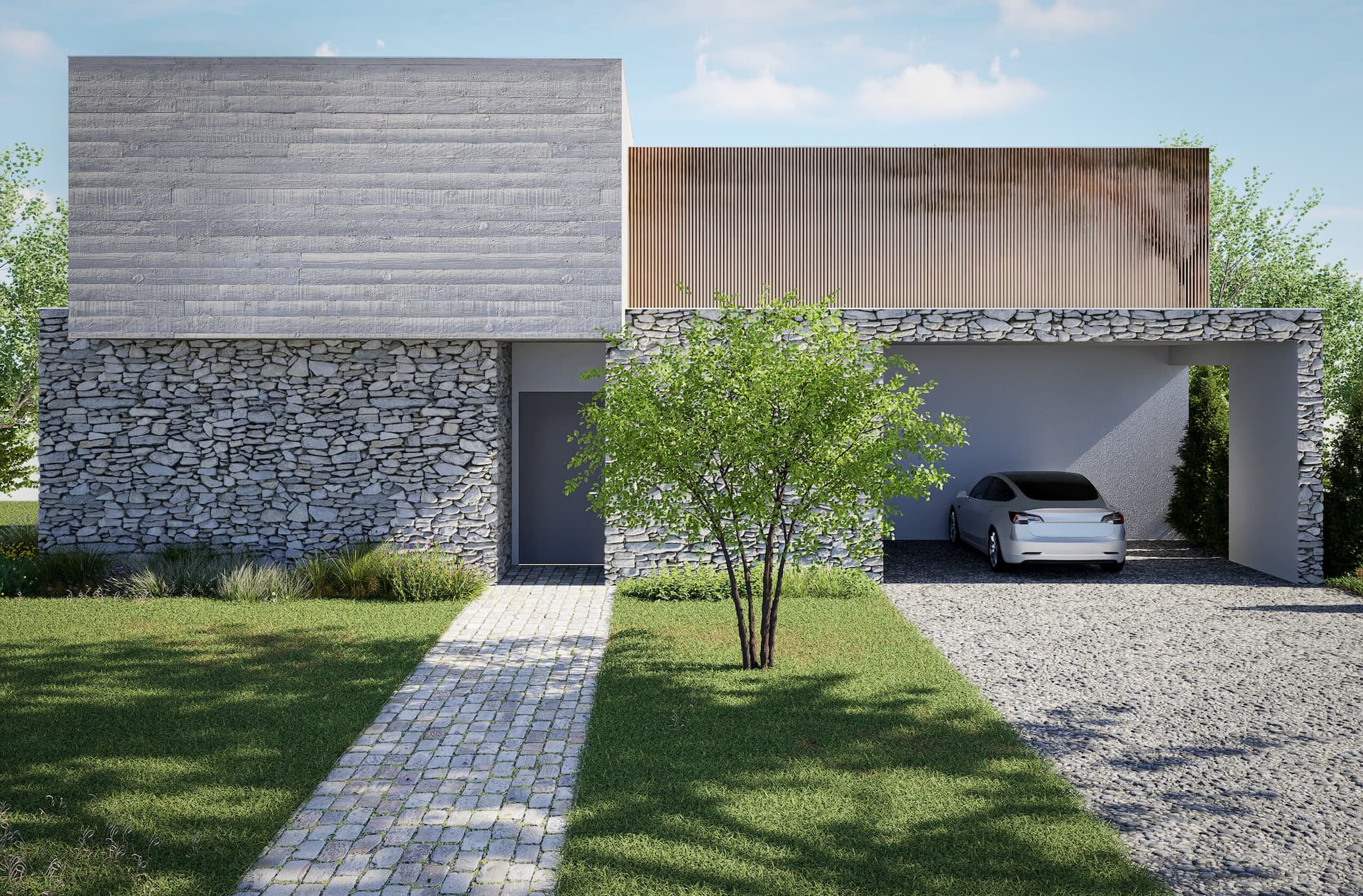
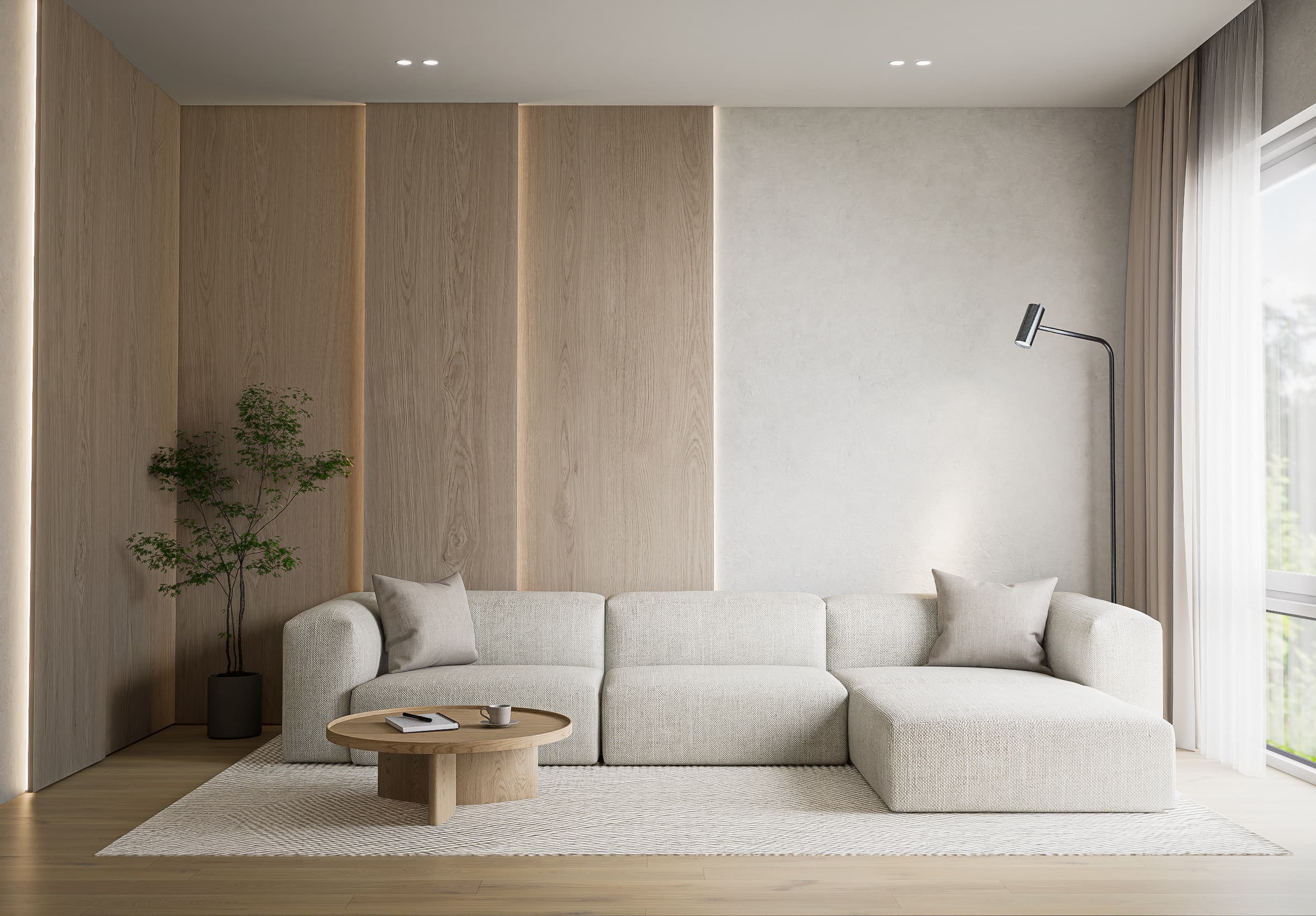
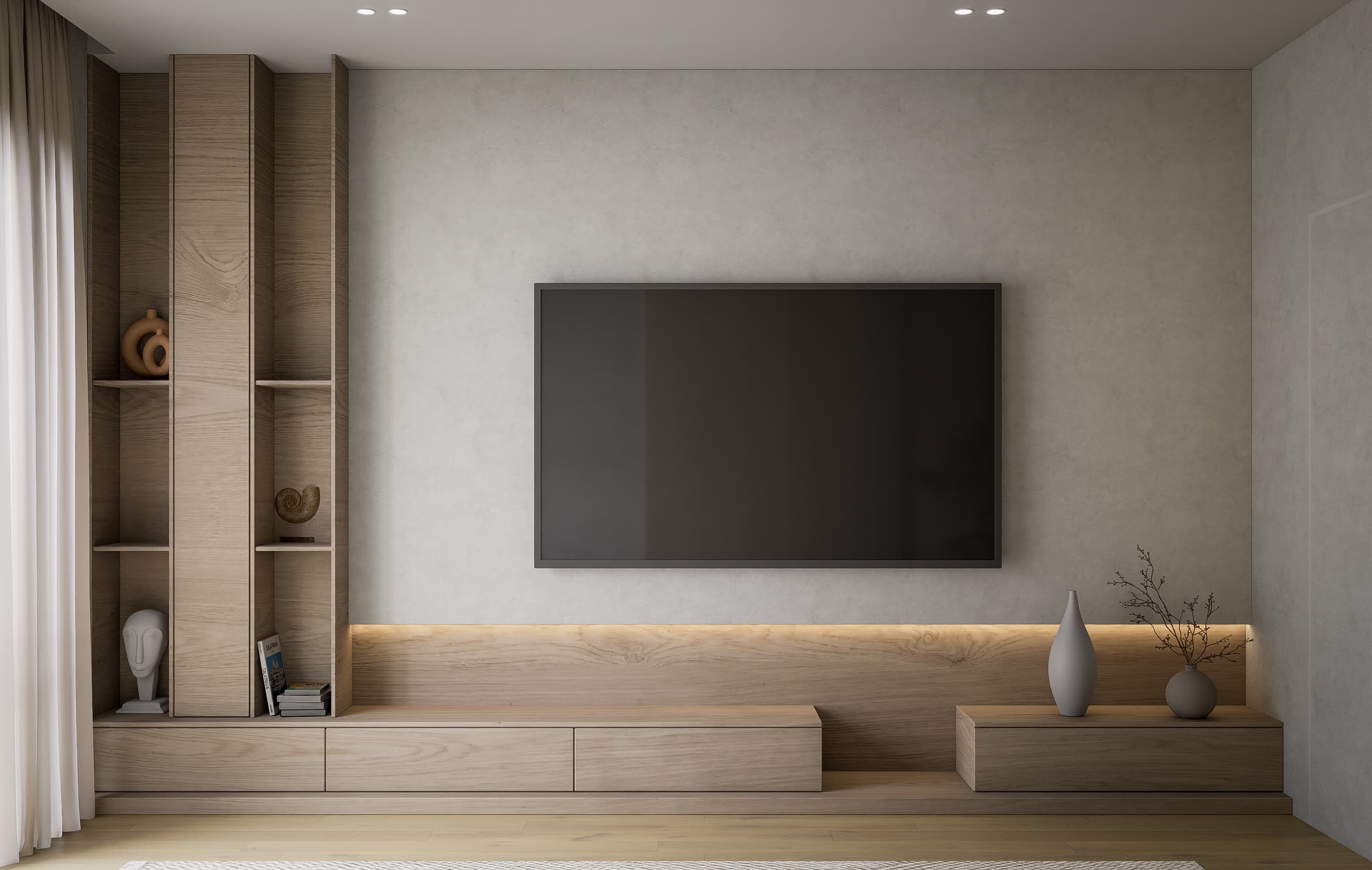
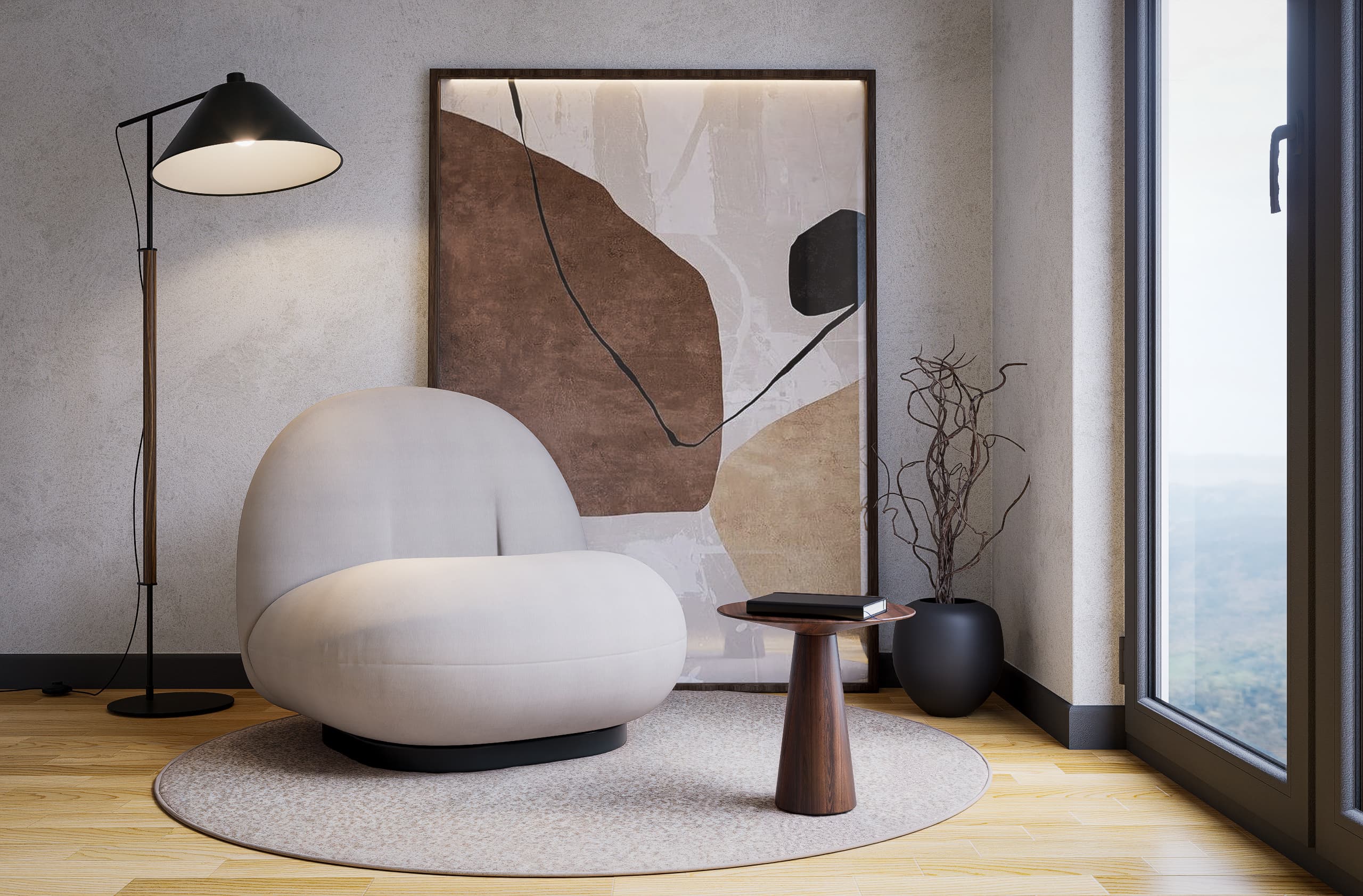
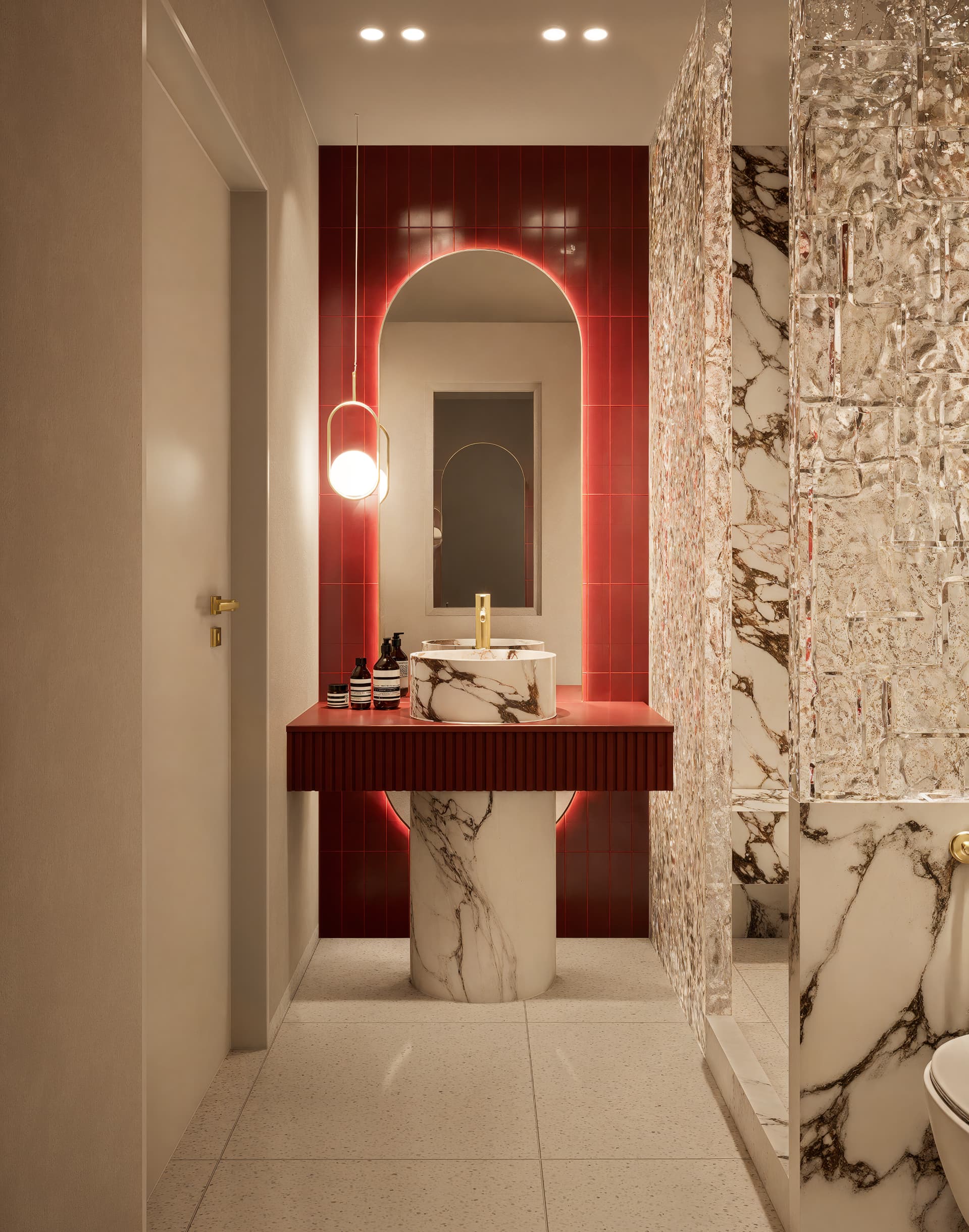
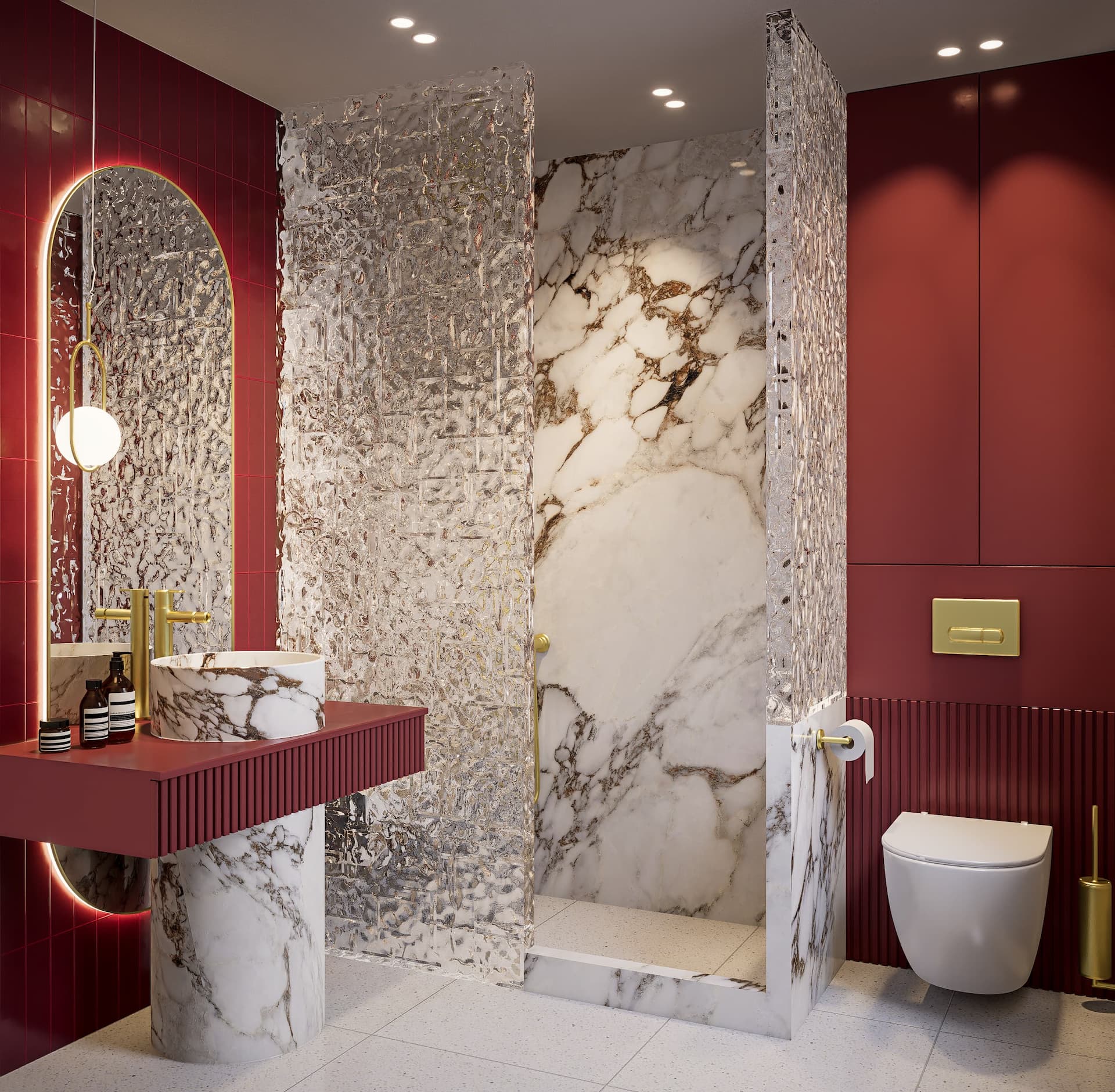
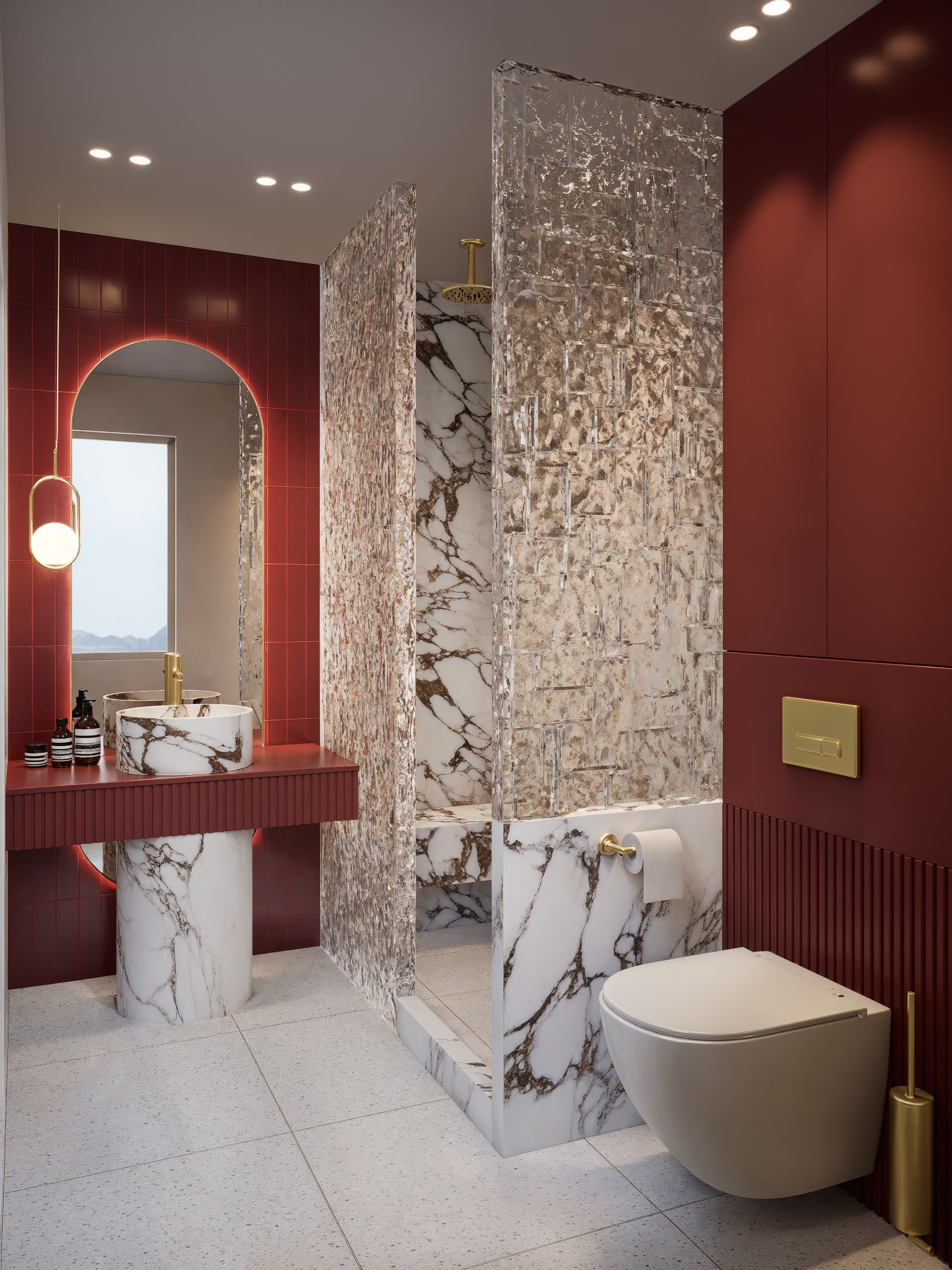
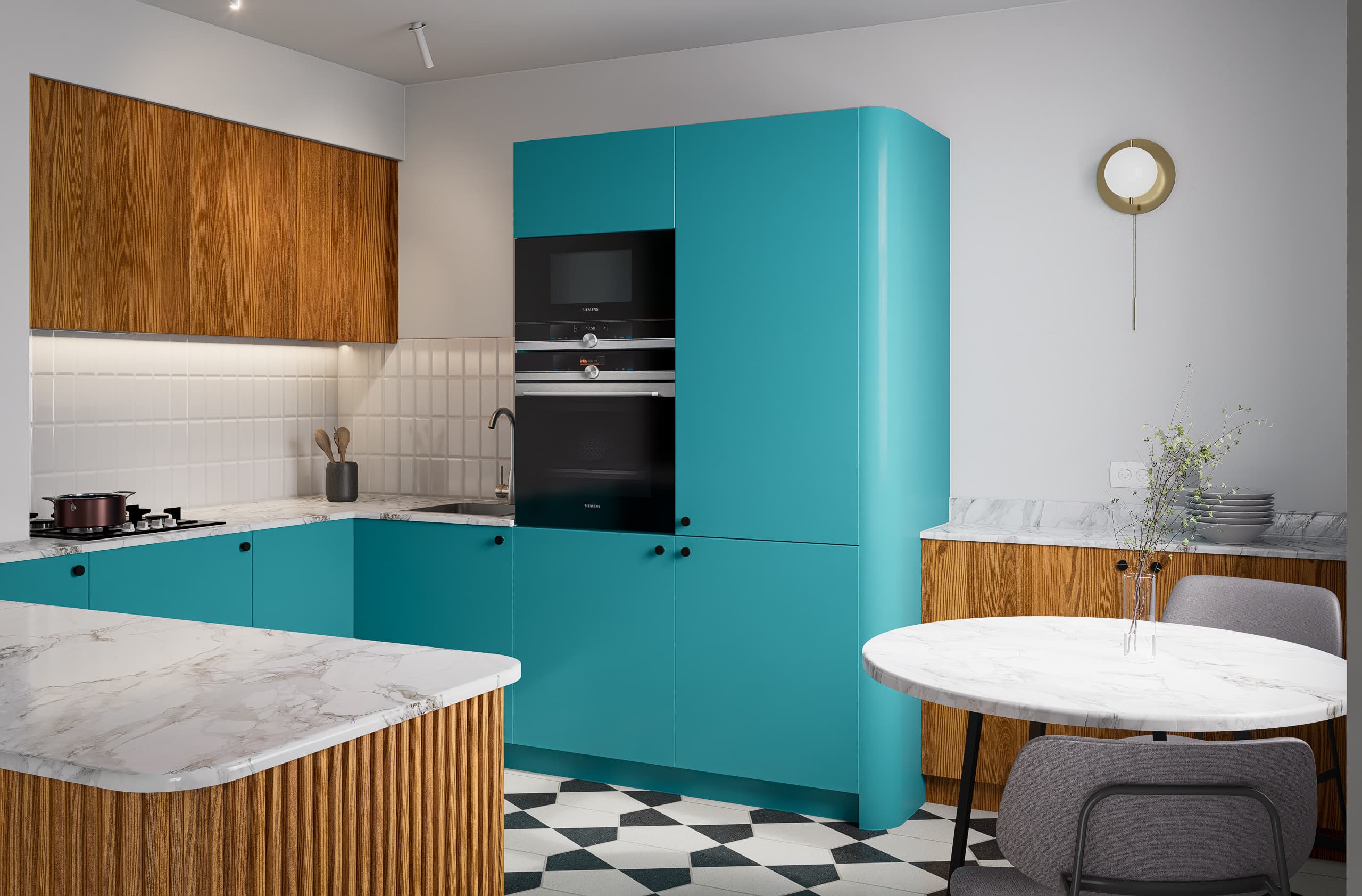
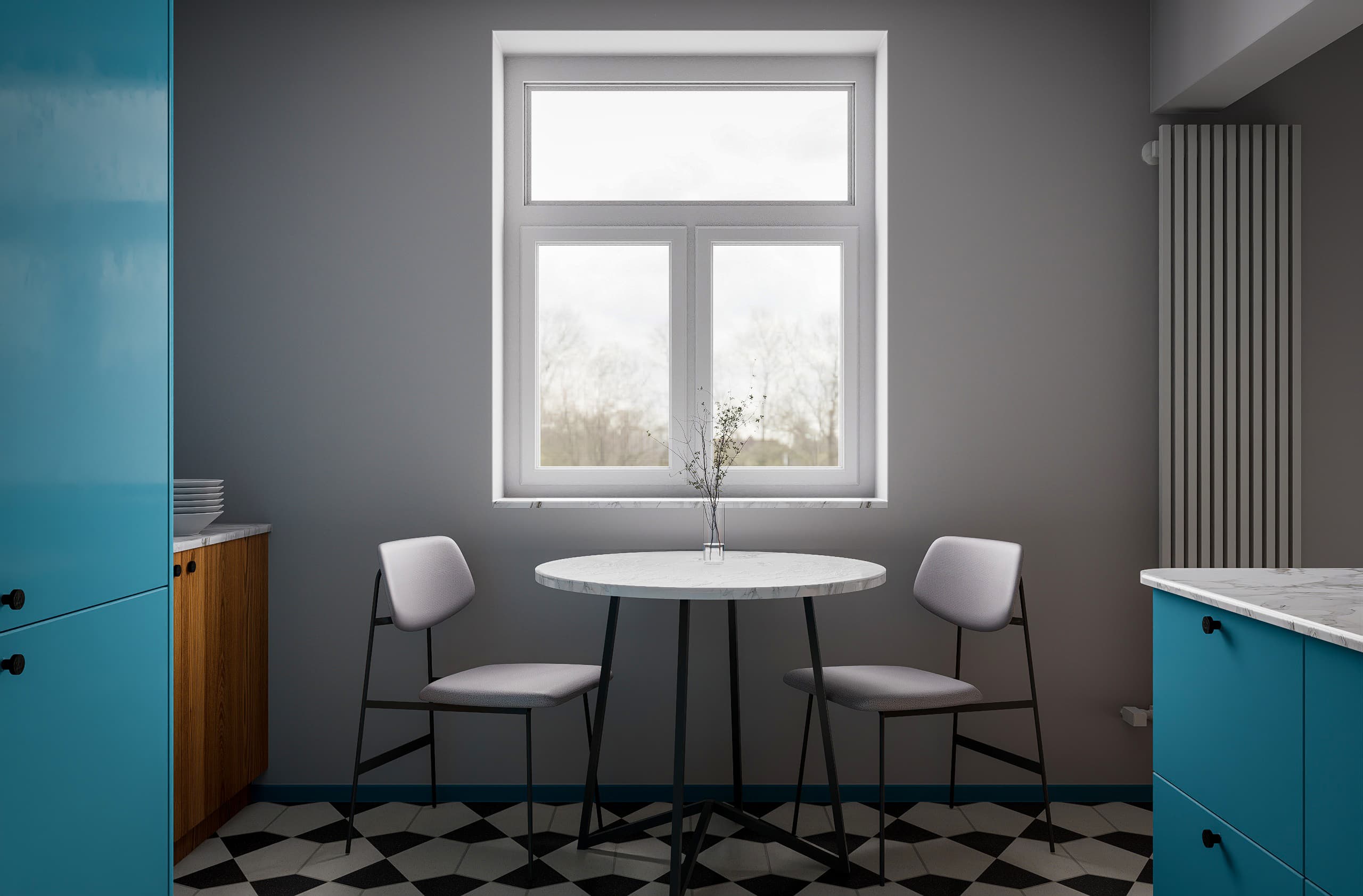
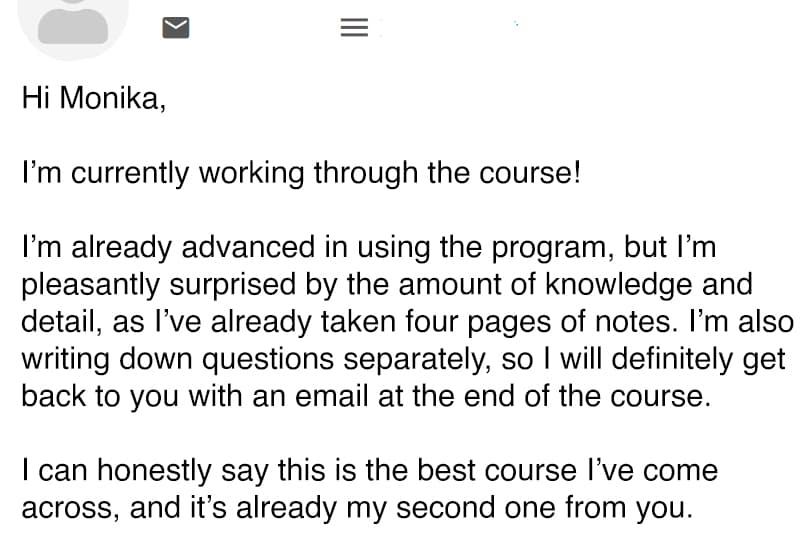
Think photorealistic renders require hours of work?
Not anymore.
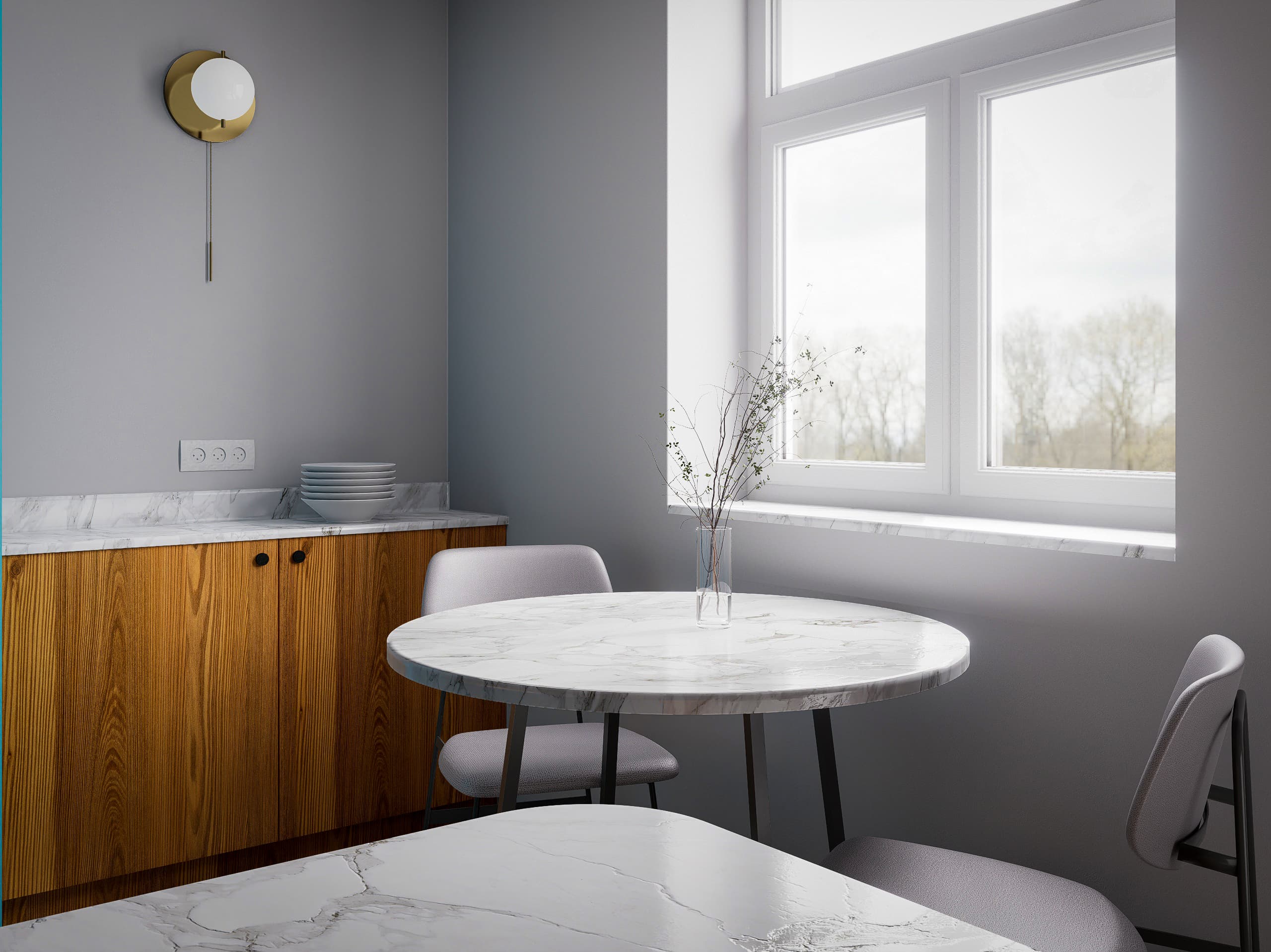
Learn a complete, step-by-step workflow for architectural and interior visualization.
– No more guessing.
– No more endless tweaking.
– No more wasting hours on complicated settings.
Create stunning, realistic renders in hours, not days.
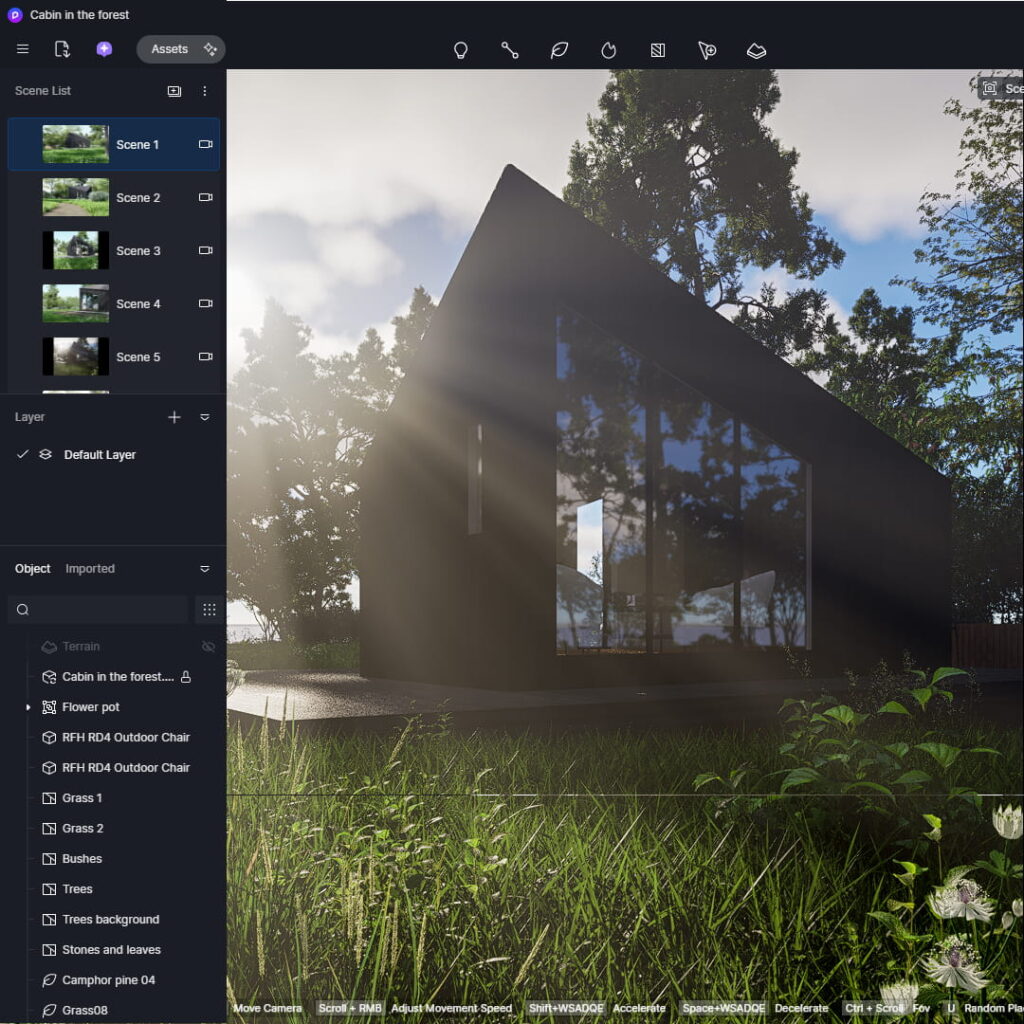
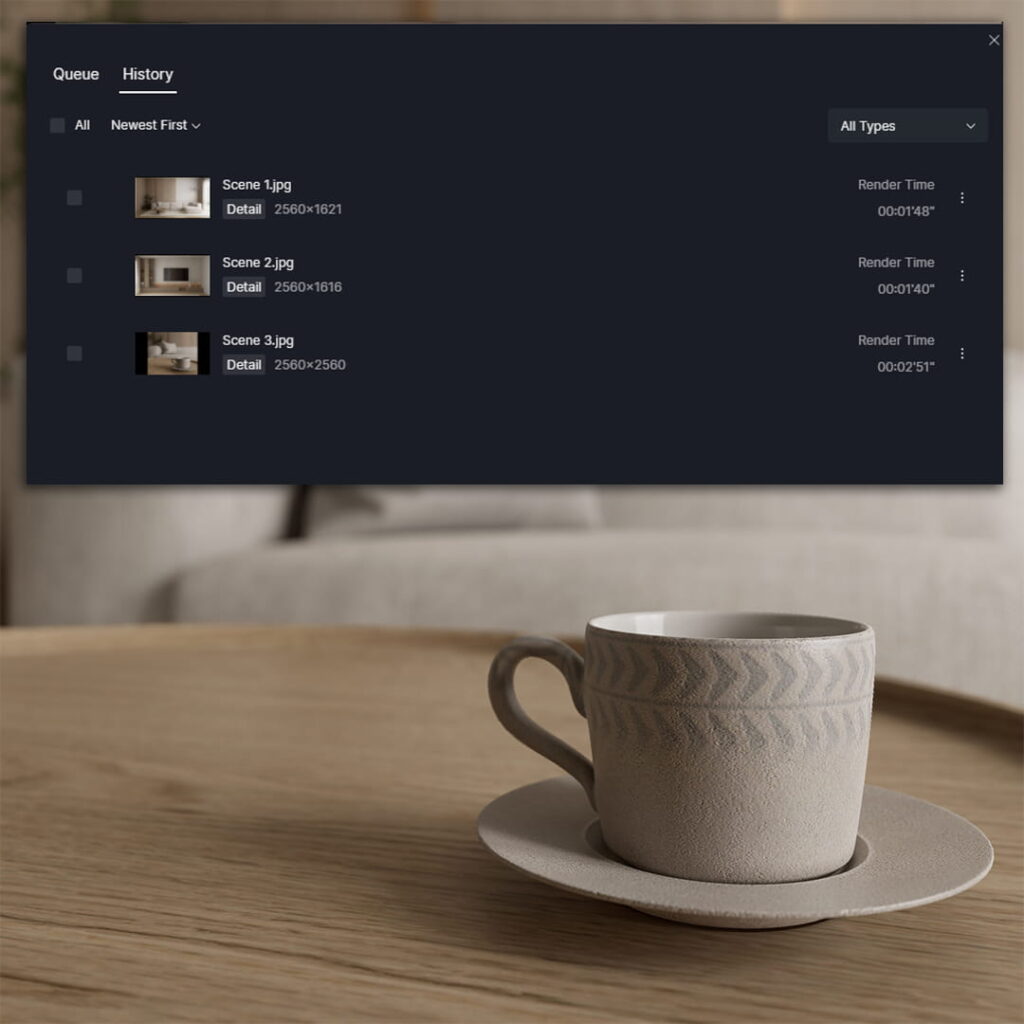
Over 50 step-by-step lessons. From basic setup to complete, professional projects.
Get access to HDRI maps, IES files, and 100+ high-quality textures to speed up your workflow.
Learn by doing. Follow real projects step by step and understand exactly how to create realistic renders from start to finish.

Learn how to navigate the interface, prepare your model, and use all essential tools to create your first professional renders.
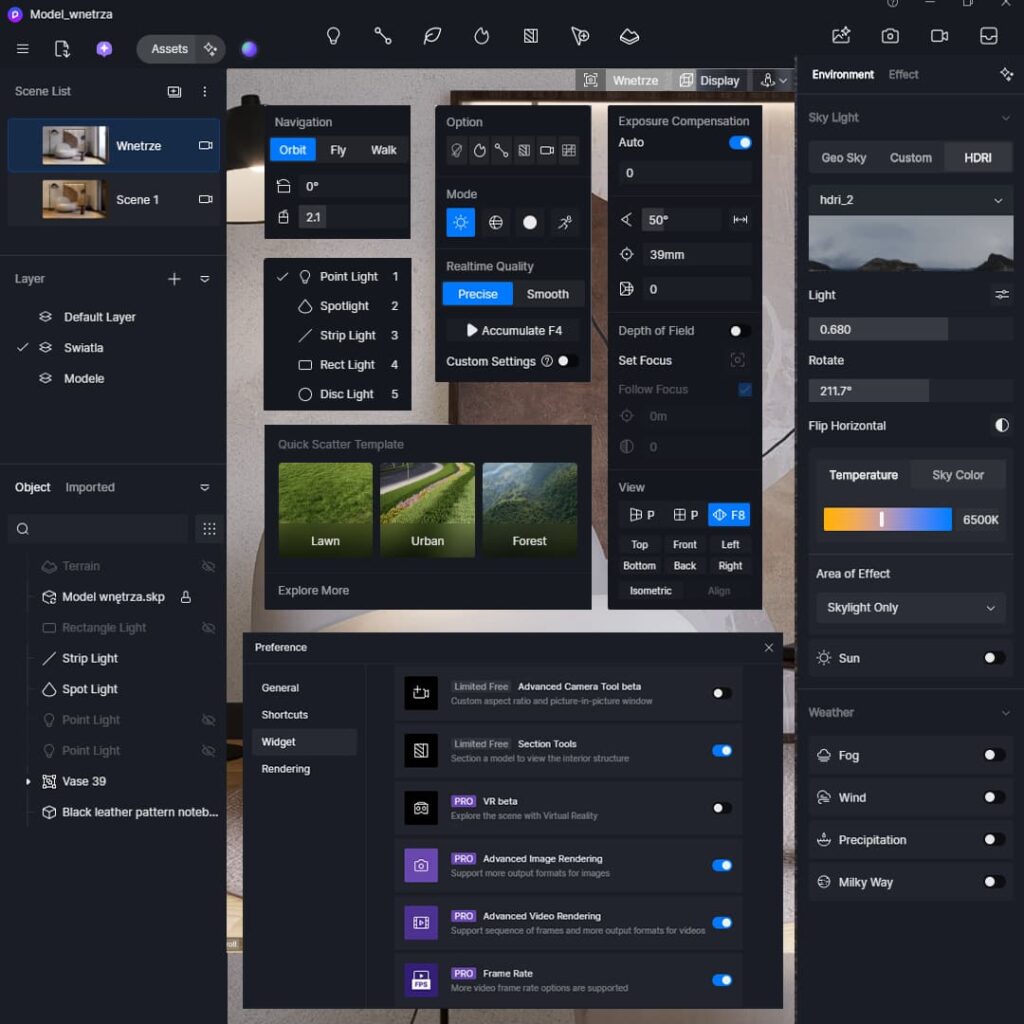
Use HDRI, artificial lights, and advanced lighting techniques to achieve natural, photorealistic results.
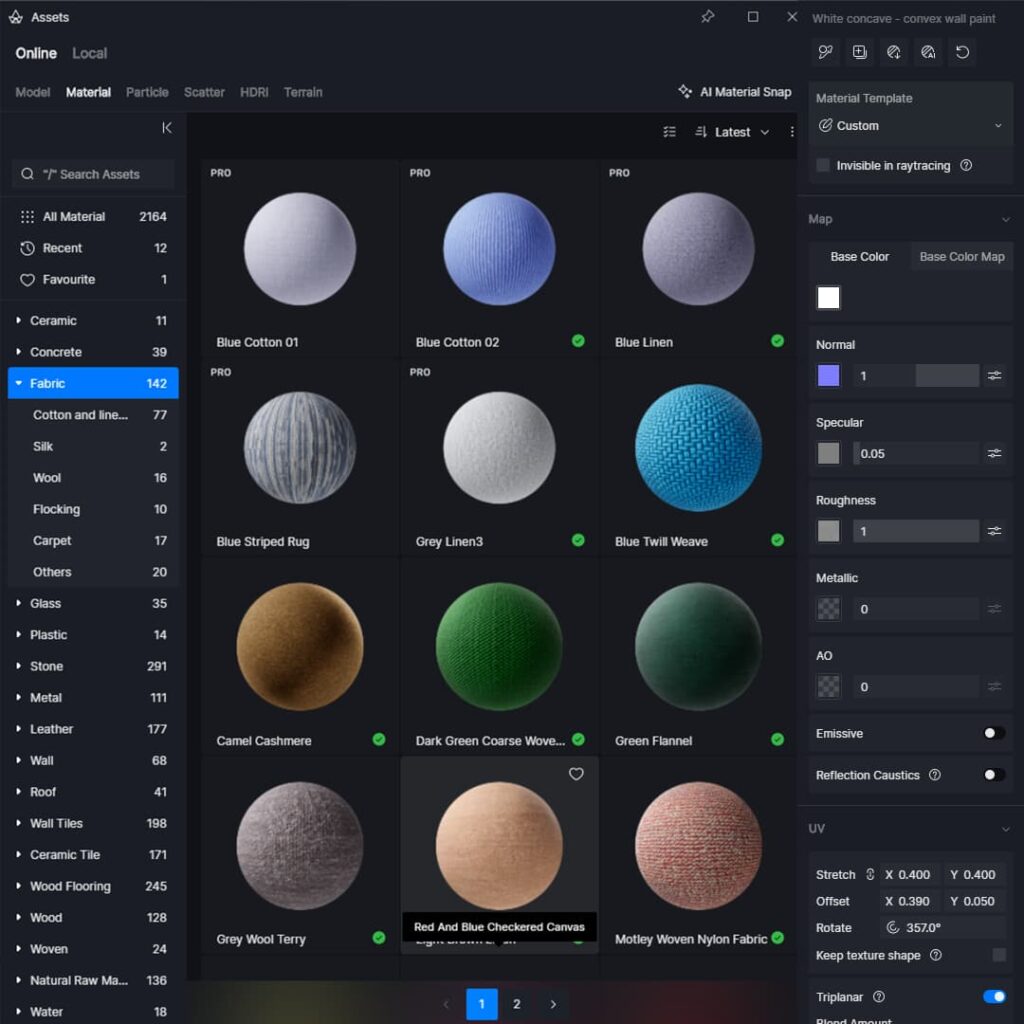
Create realistic PBR materials and work with textures to make your renders look clean and believable.
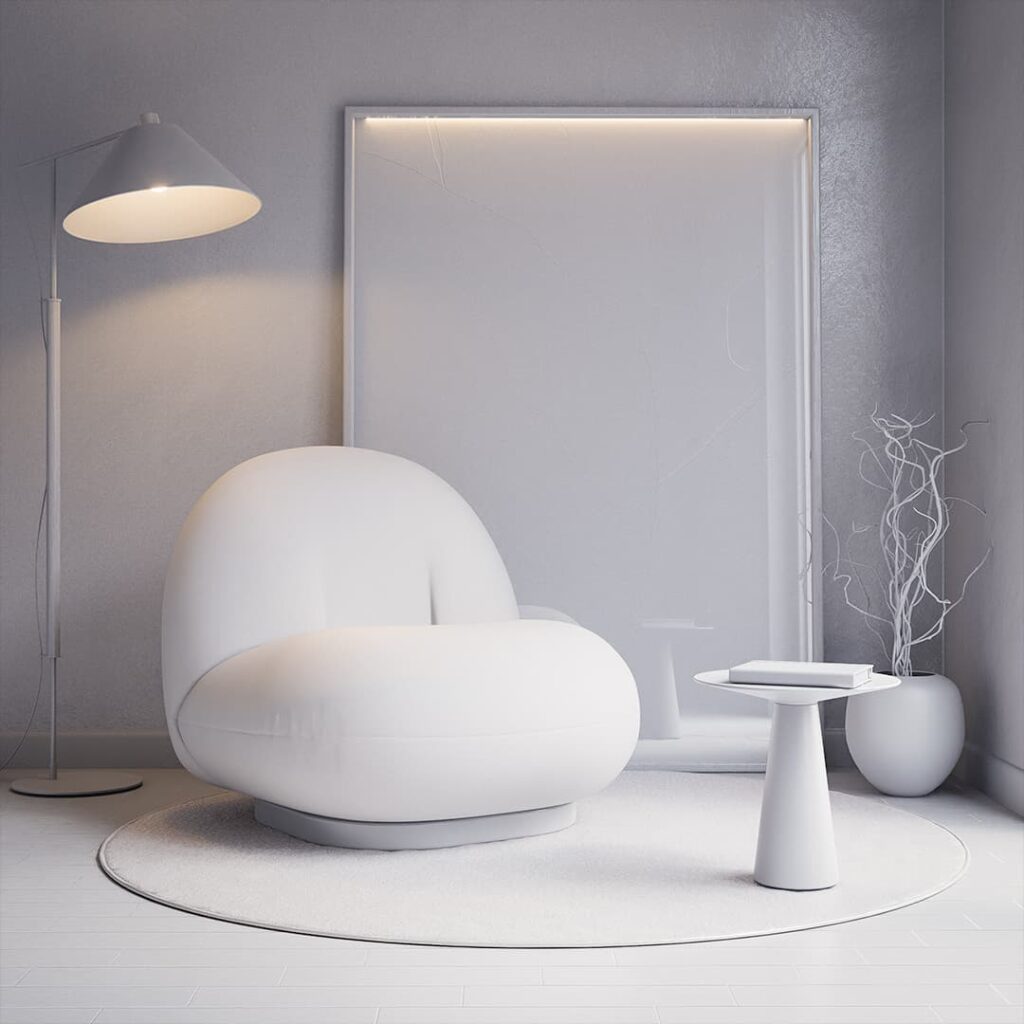
Learn composition, camera settings, and scene setup to create renders that look like real architectural photography.
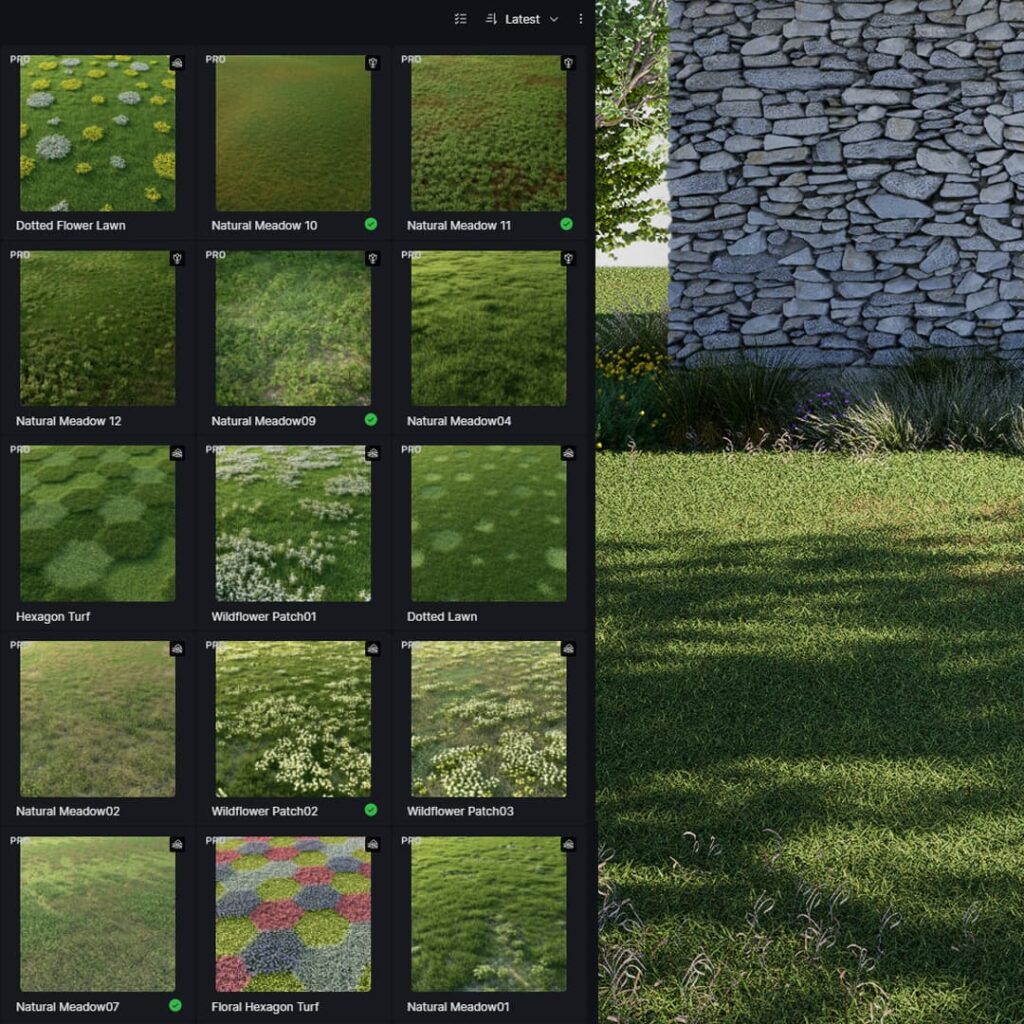
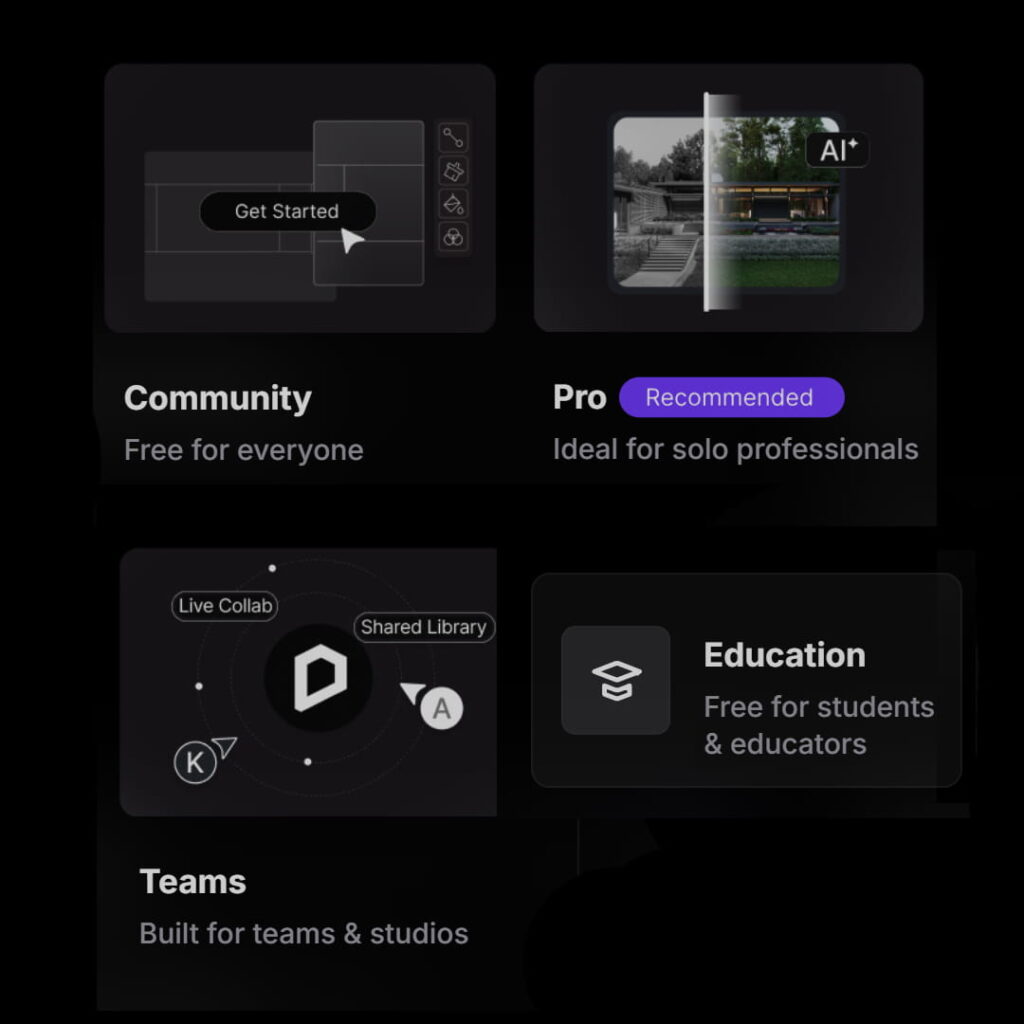
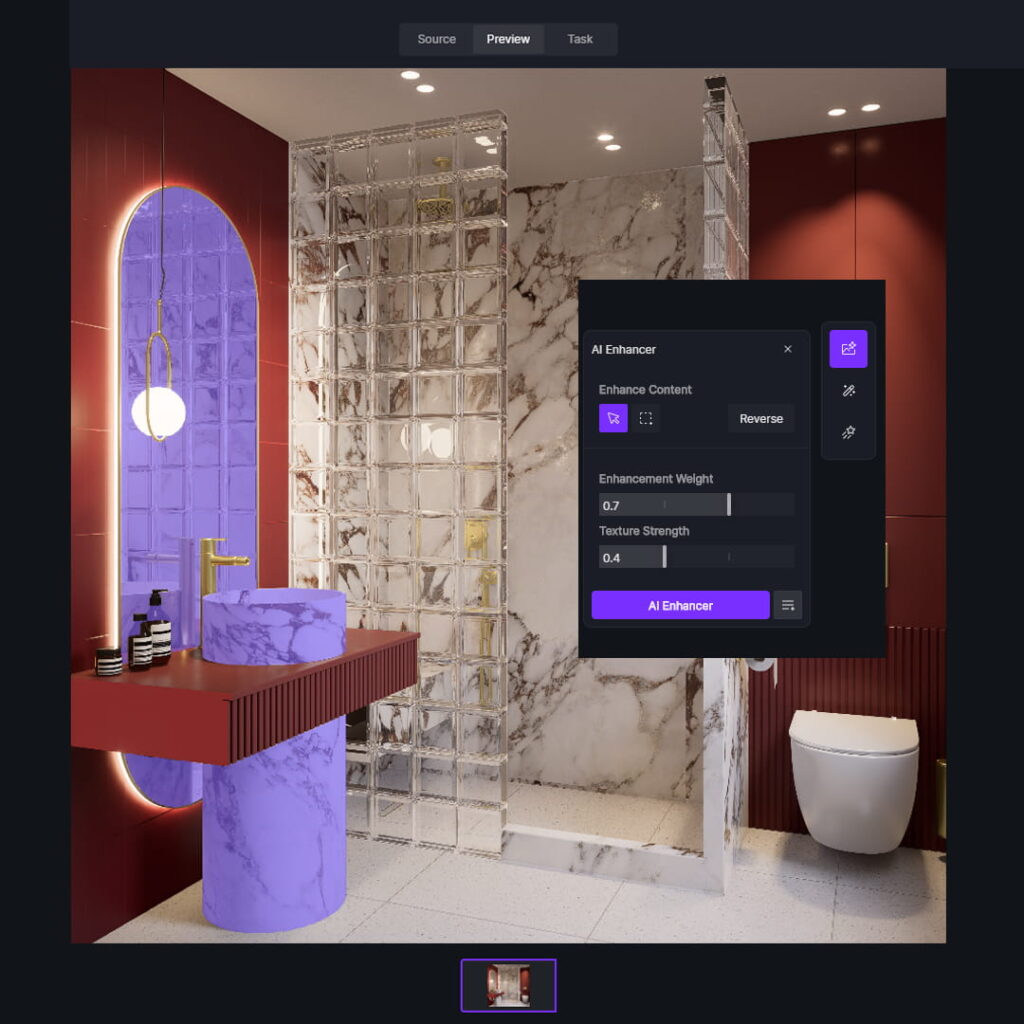
Use AI tools to improve quality, colors, and overall look. In just a few clicks.
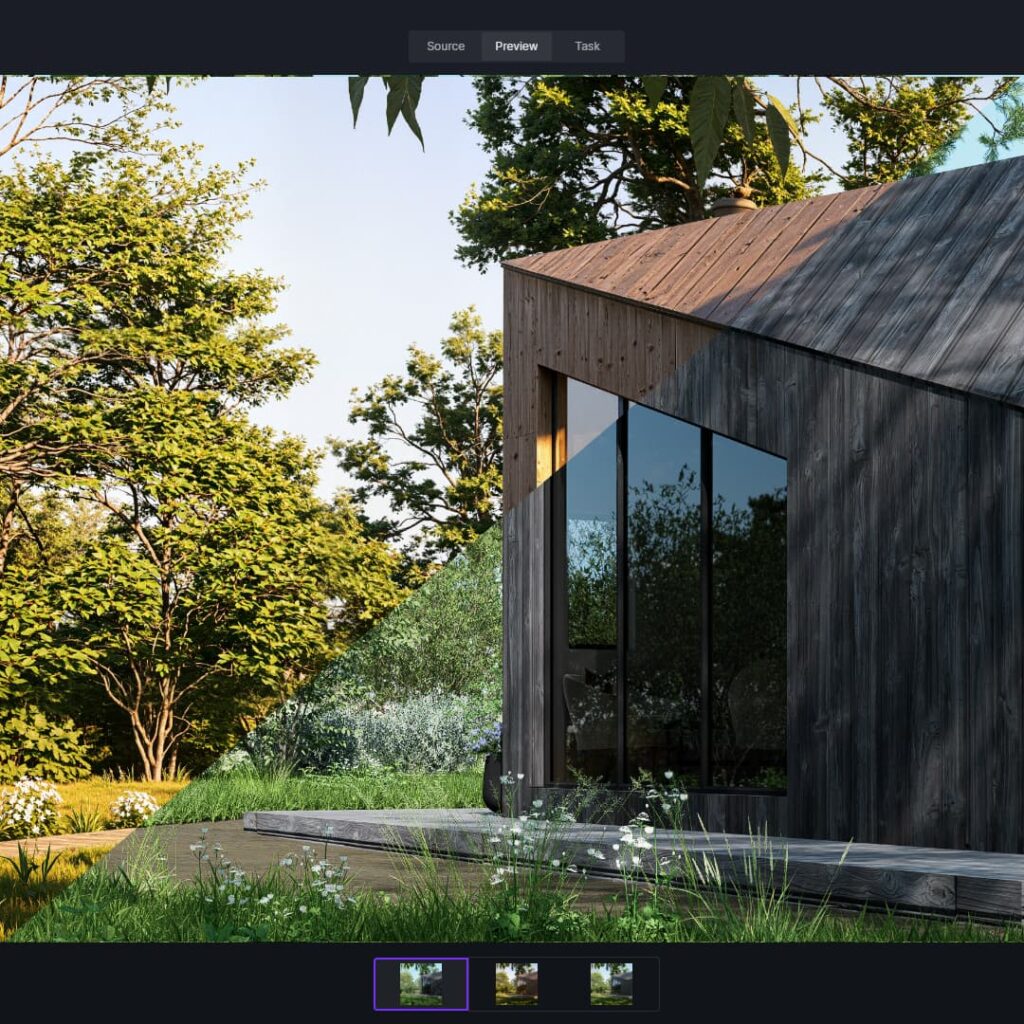
Build smooth animations and present your projects in a more dynamic, professional way.
1. COURSE INTRODUCTION
1.1 Welcome, course overview, and how to navigate the course
1.2 How to download and save course materials
2. DOWNLOADING, INSTALLATION & LICENSING (D5 RENDER)
2.1 Installing D5 Render and the LiveSync plugin. System requirements
2.2 D5 Render licensing
3. D5 RENDER BASICS
3.1 Overview of the start screen and connecting SketchUp with D5 Render
3.2 Preparing your SketchUp model for D5 Render
3.3 Interface and navigation
3.4 Scene and camera setup
3.5 Natural lighting
3.6 Adding and editing materials
3.7 Importing models, moving, scaling, and rotating
3.8 Edge rounding
3.9 Adding artificial lights
3.10 Light management
3.11 Scene and camera settings
4. CREATING ADVANCED CUSTOM MATERIALS
4.1 Creating custom materials: Base Color Map and UV mapping
4.2 Understanding maps: Normal, Specular, Roughness, Metallic, Ambient Occlusion
4.3 Displacement settings
4. CREATING ADVANCED CUSTOM MATERIALS
4.4 Cloth material preset
4.5 Custom Alpha materials, creating metallic materials, editing library materials
4.6 Where to find PBR materials
4.7 Caustics
5. EXTERIOR SCENES, ENVIRONMENT & ANIMATION
5.1 Terrain modeling using the Sandbox plugin
5.2 Natural lighting and photorealistic materials
5.3 Scatter Tool – Part 1
5.4 Scatter Tool – Part 2
5.5 Advanced Brush: adding grass, shrubs, and trees
5.6 Adding individual plants
5.7 Creating compelling shots and adding models
5.8 Adding fog and rain effects
5.9 Creating animations
6. KITCHEN PROJECT
6.1 Connecting your SketchUp model with D5 Render
6.2 Setting up natural and artificial lighting
6.3 Wall material and blue cabinet fronts
6.4 Wooden fronts and slatted panels
6.5 Marble, white tiles, flooring, and fabric materials
6.6 Editing materials in D5 Render, edge rounding, and adding models
6.7 Adding rectangular lights and creating final renders
7. BATHROOM PROJECT
7.1 Model overview, creating sections and scenes
7.2 Natural and artificial lighting
7.3 Materials: walls, flooring, tiles, and faucet
7. BATHROOM PROJECT (continued)
7.4 Materials: marble, cabinet fronts, shower glass, ceramics, and emissive materials
7.5 Adding models and creating final renders
7.6 Creating animations
8. LIVING ROOM PROJECT
8.1 Model overview and scene setup
8.2 Creating natural and artificial lighting
8.3 Materials: walls, flooring, wooden fronts, and TV
8.4 Materials for the sofa and curtains
8.5 Adding models and creating final renders
9. EXTERIOR ELEVATION PROJECT
9.1 Model overview and lighting setup
9.2 Materials: white facade, metal, concrete, and stone
9.3 Materials: paving, gravel, grass, and doors
9.4 Scatter tool: creating grass and low vegetation
9.5 Adding trees
9.6 Creating shots and final renders
9.7 Enhancing the stone facade in Photoshop
10. AI IN D5 RENDER
10.1 AI in D5 Render – Part 1
10.2 AI in D5 Render – Part 2

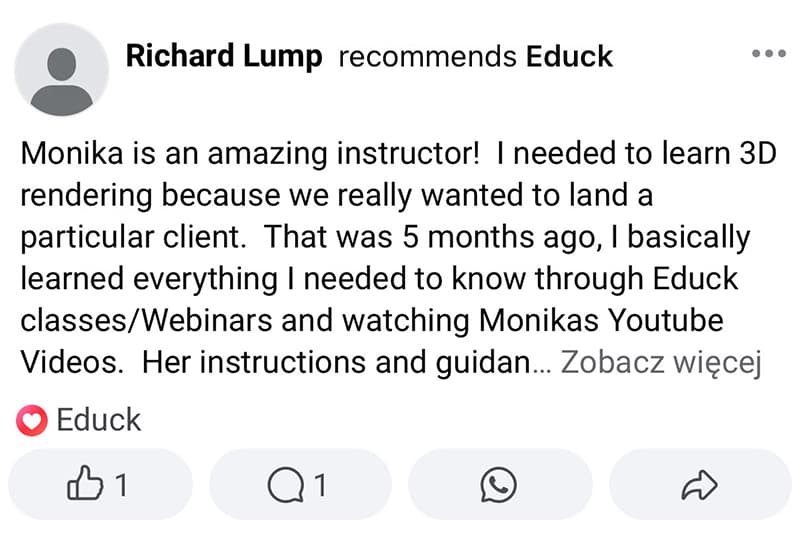
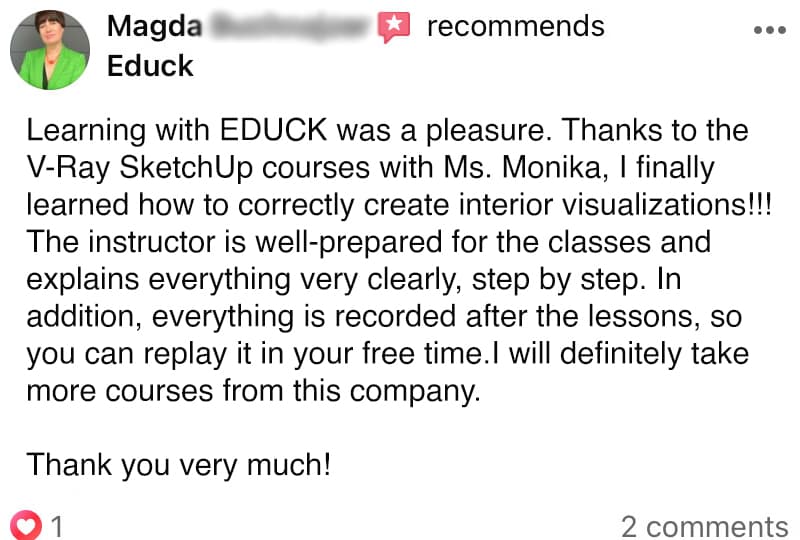
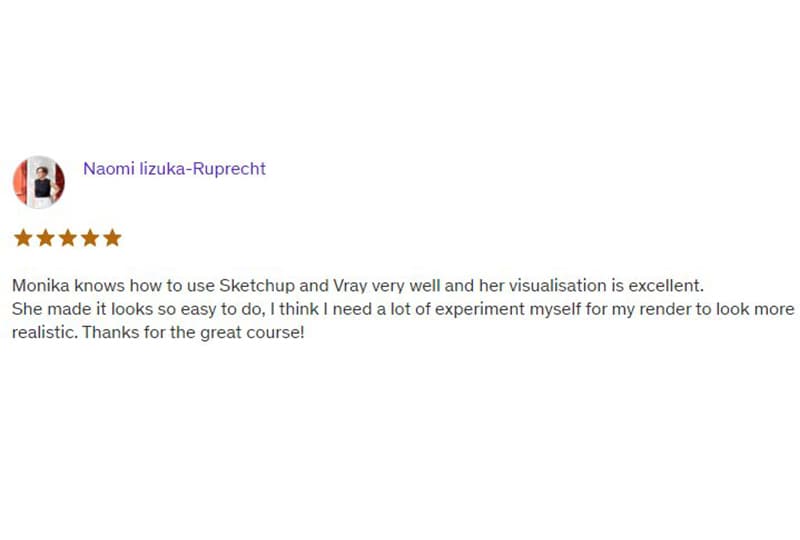
I am an architect with over 10 years of experience in teaching visualization and interior design. Throughout the years, I have gained vast expertise working on architectural projects in China and Shanghai and many others.
Through my English courses on educk.org and Polish courses on educk.pl, I have helped thousands of students from over 70 countries develop their skills. My passion for sharing knowledge has led me to build a YouTube community of over 21,000 subscribers, where I share proven techniques for visualization and design in SketchUp.
As a lecturer at SWPS University in Kraków, I understand what it takes to create professional visualizations. I focus on practical, real-world examples that help my students quickly apply their knowledge in their work.
I invite you to explore my courses! I’m confident that learning together will not only be effective but also enjoyable, equipping you with the essential skills to create stunning visualizations that impress your clients.
I am an architect with over 10 years of experience in teaching visualization and interior design. Throughout the years, I have gained vast expertise working on architectural projects in China and Shanghai and many others.
Through my English courses on educk.org and Polish courses on educk.pl, I have helped thousands of students from over 70 countries develop their skills. My passion for sharing knowledge has led me to build a YouTube community of over 21,000 subscribers, where I share proven techniques for visualization and design in SketchUp.
As a lecturer at SWPS University in Kraków, I understand what it takes to create professional visualizations. I focus on practical, real-world examples that help my students quickly apply their knowledge in their work.
I invite you to explore my courses! I’m confident that learning together will not only be effective but also enjoyable, equipping you with the essential skills to create stunning visualizations that impress your clients.
D5 Render Visualization Course
€500,00 €406,50 excl. VAT
D5 Render Visualization Course
€500,00 €406,50 excl. VAT