D5 Render Visualization Course

Original price was: €299,00.Current price is: €249,00. 202,44 excl. VAT

D5 Render Visualization Course

Original price was: €299,00.Current price is: €249,00. 202,44 excl. VAT

D5 Render Course

Create Photorealistic
Renders Step by Step

Interior & exterior • Beginner-friendly • Professional workflow
Lowest launch price ends in:
Days
Hours
Minutes
Seconds
Trusted By 2,100+ Students Worldwide

Everything You Need to Create Professional Renders

7+ Hours of Video

Over 50 step-by-step lessons from basics to advanced

6 Complete Projects

Interior & exterior projects to build your portfolio

Downloadable Assets

HDRIs, textures, models and more

Lifetime Access

Learn at your own pace

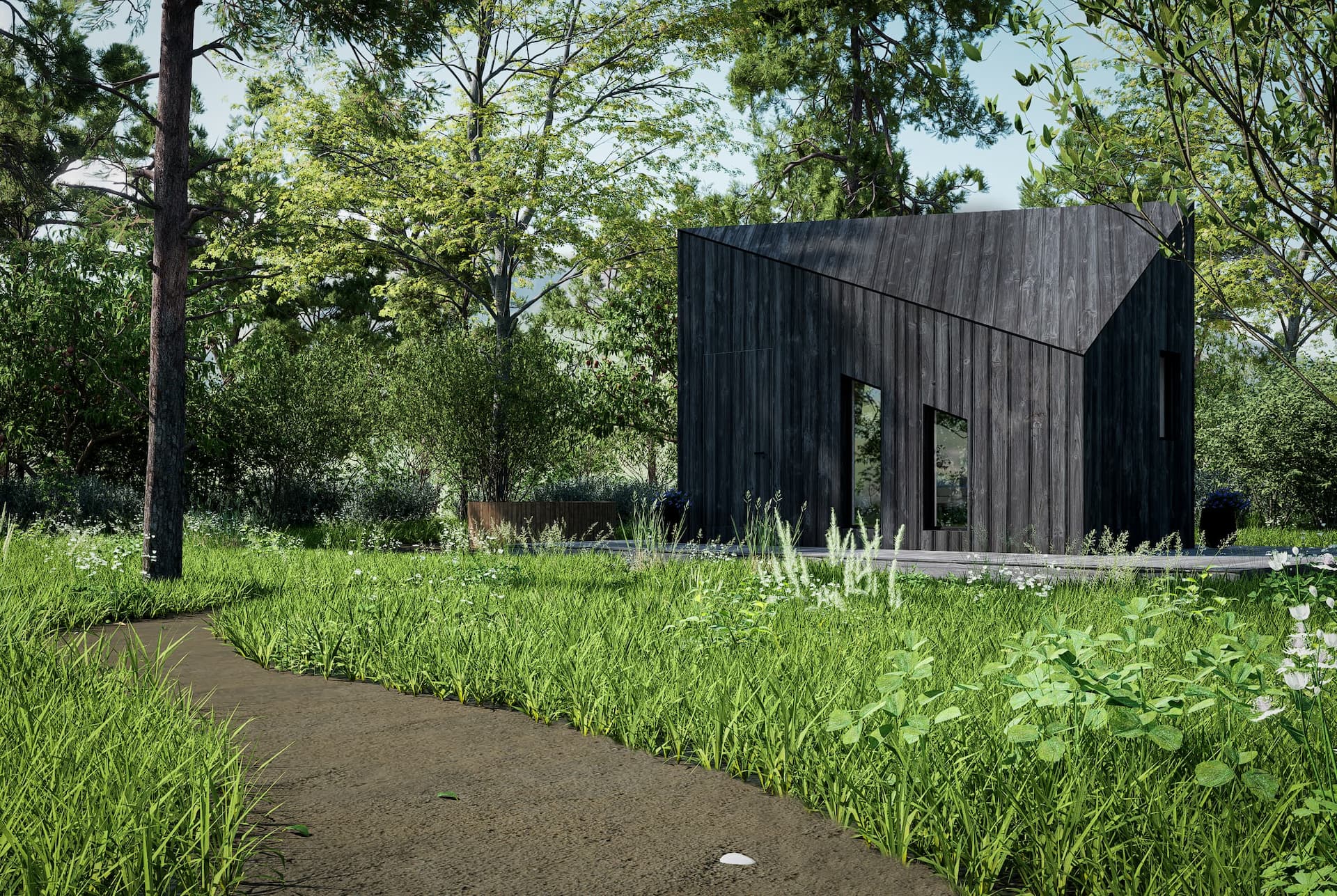
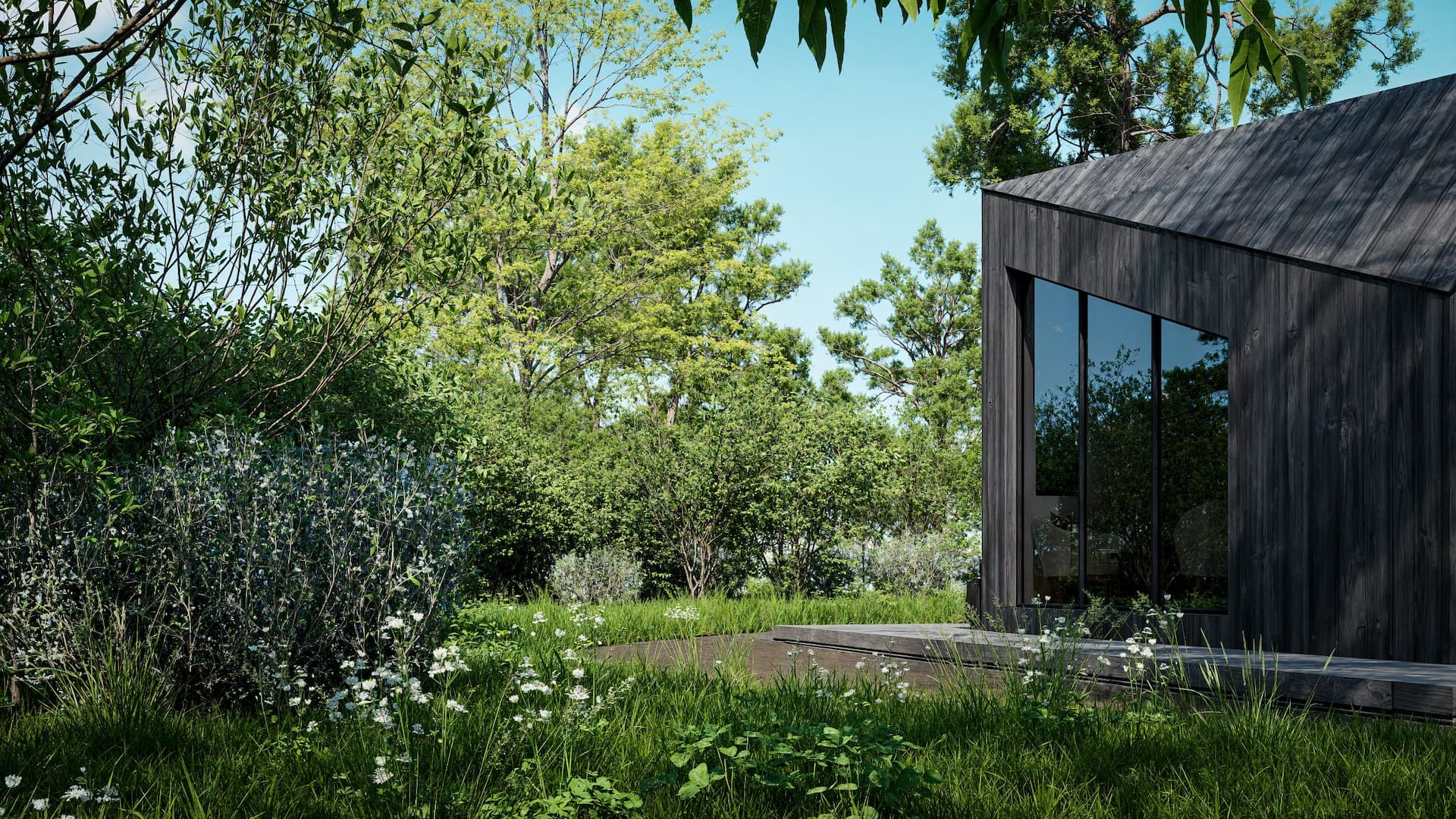
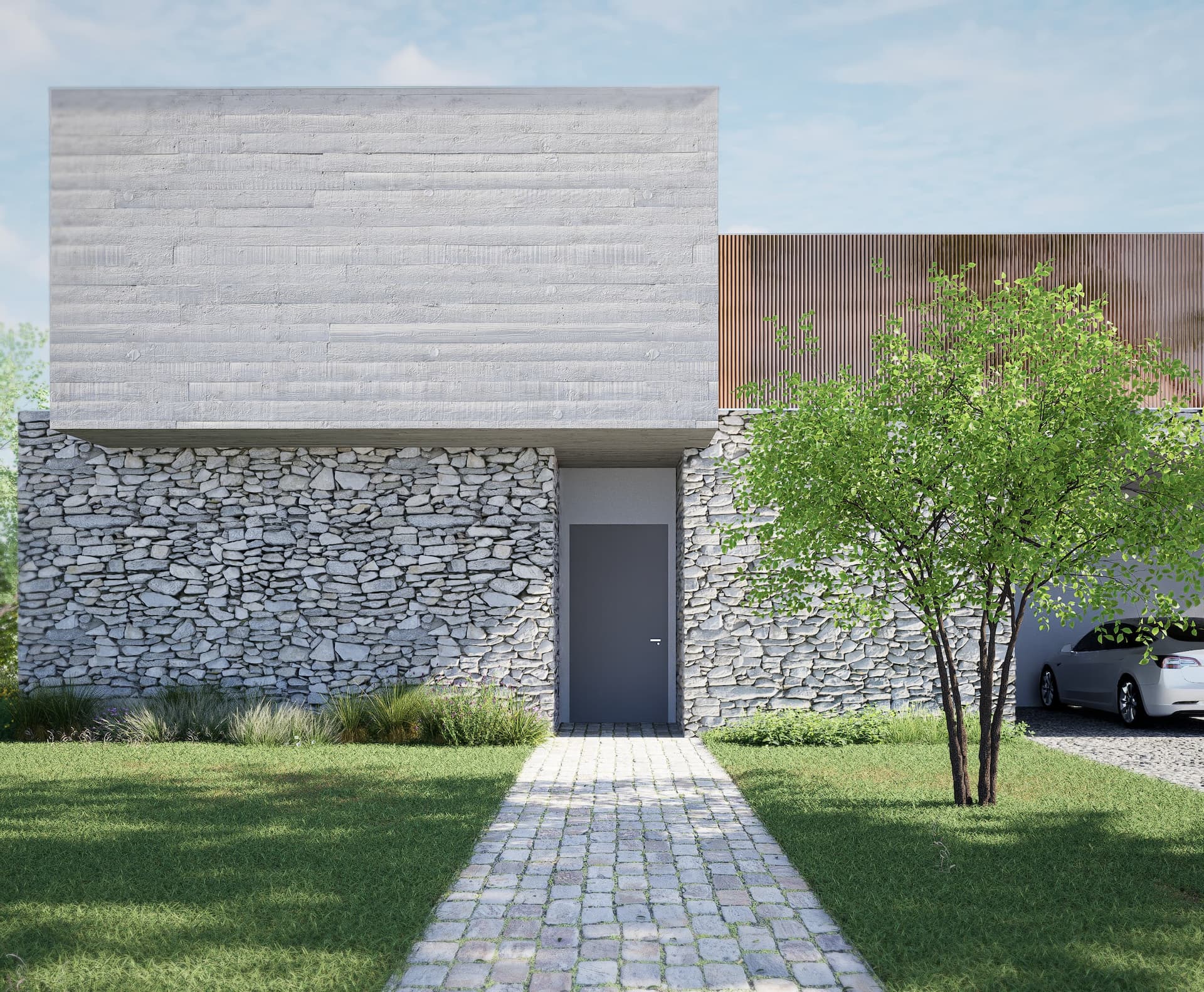
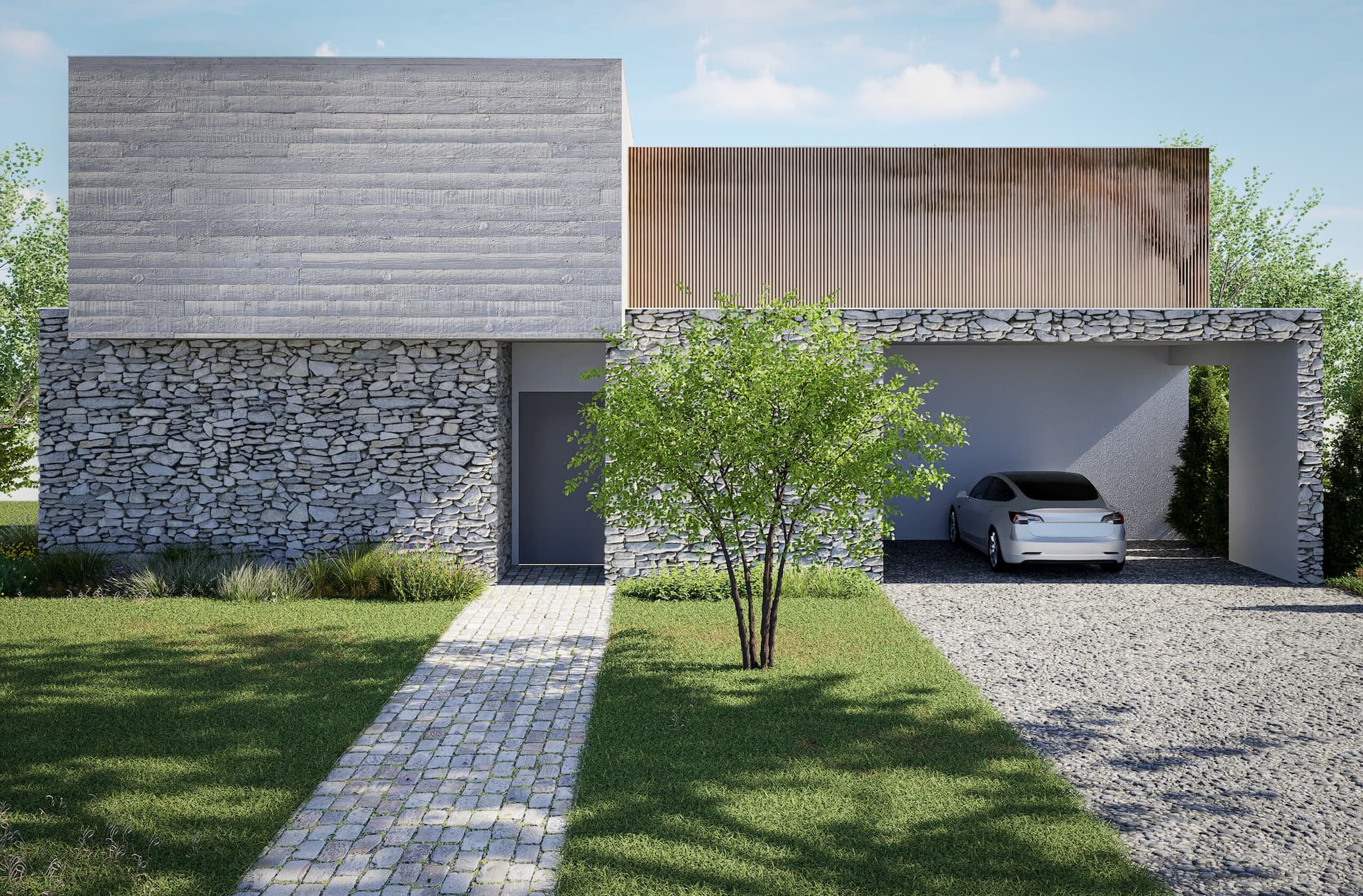
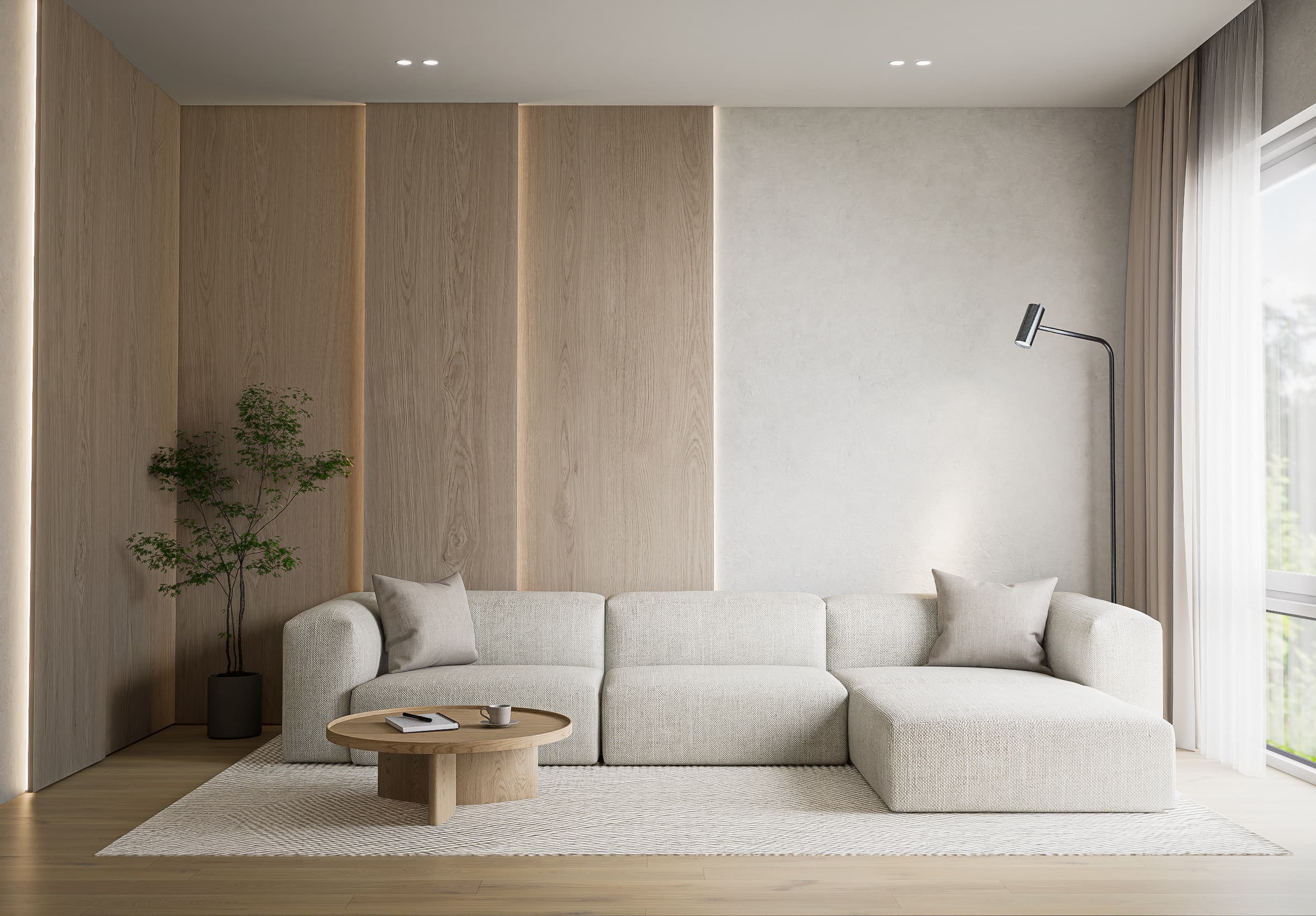
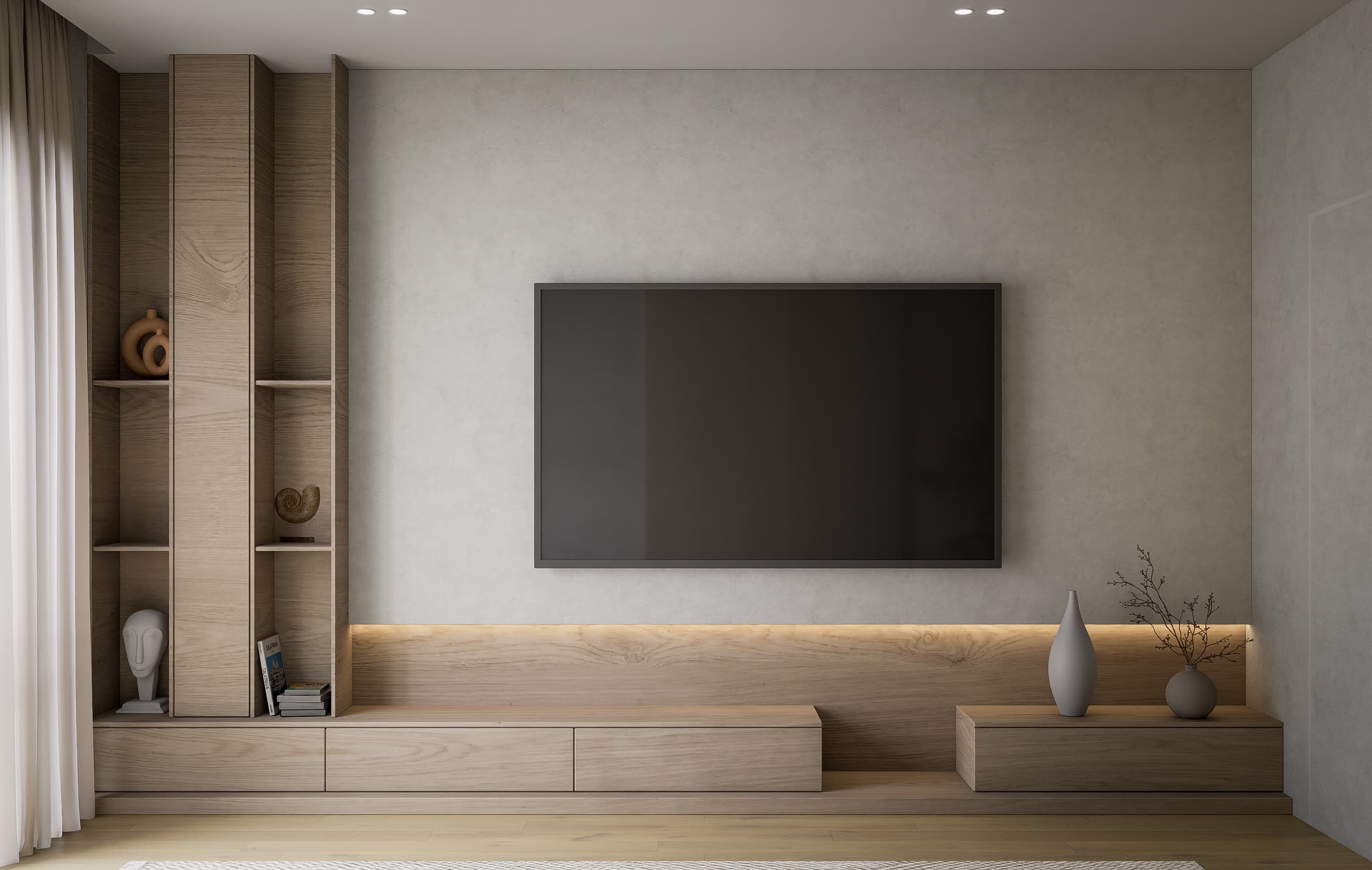
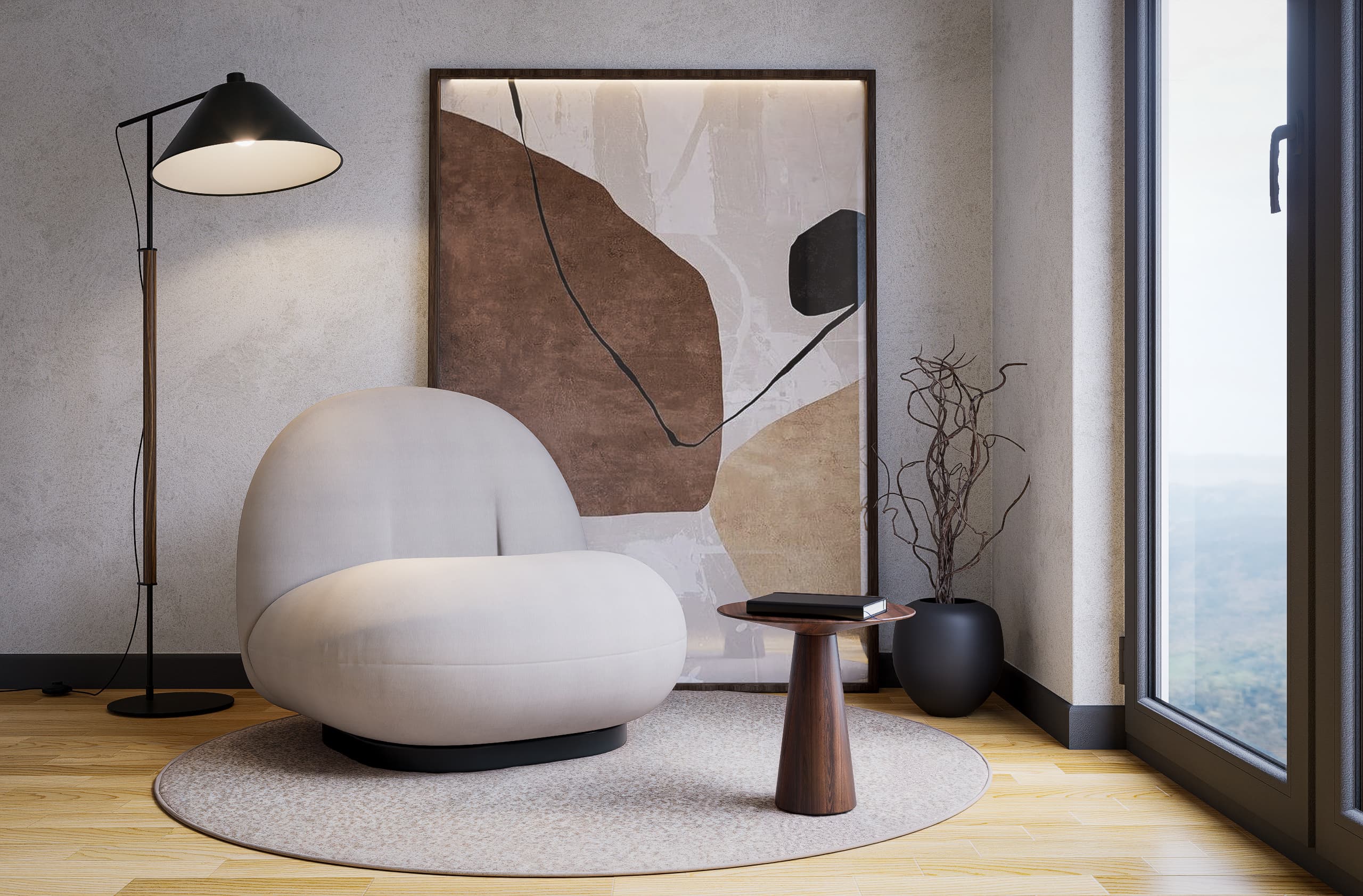
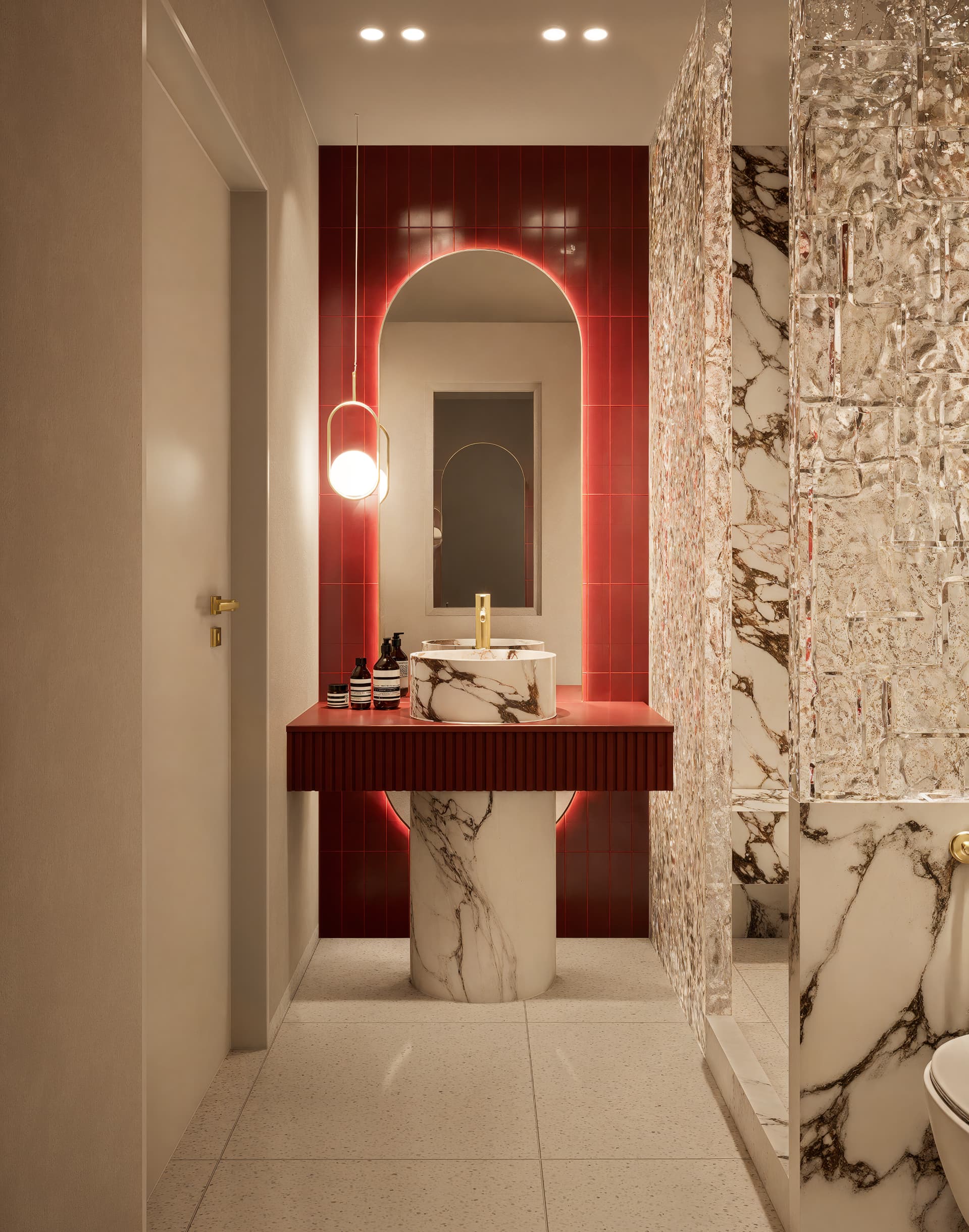
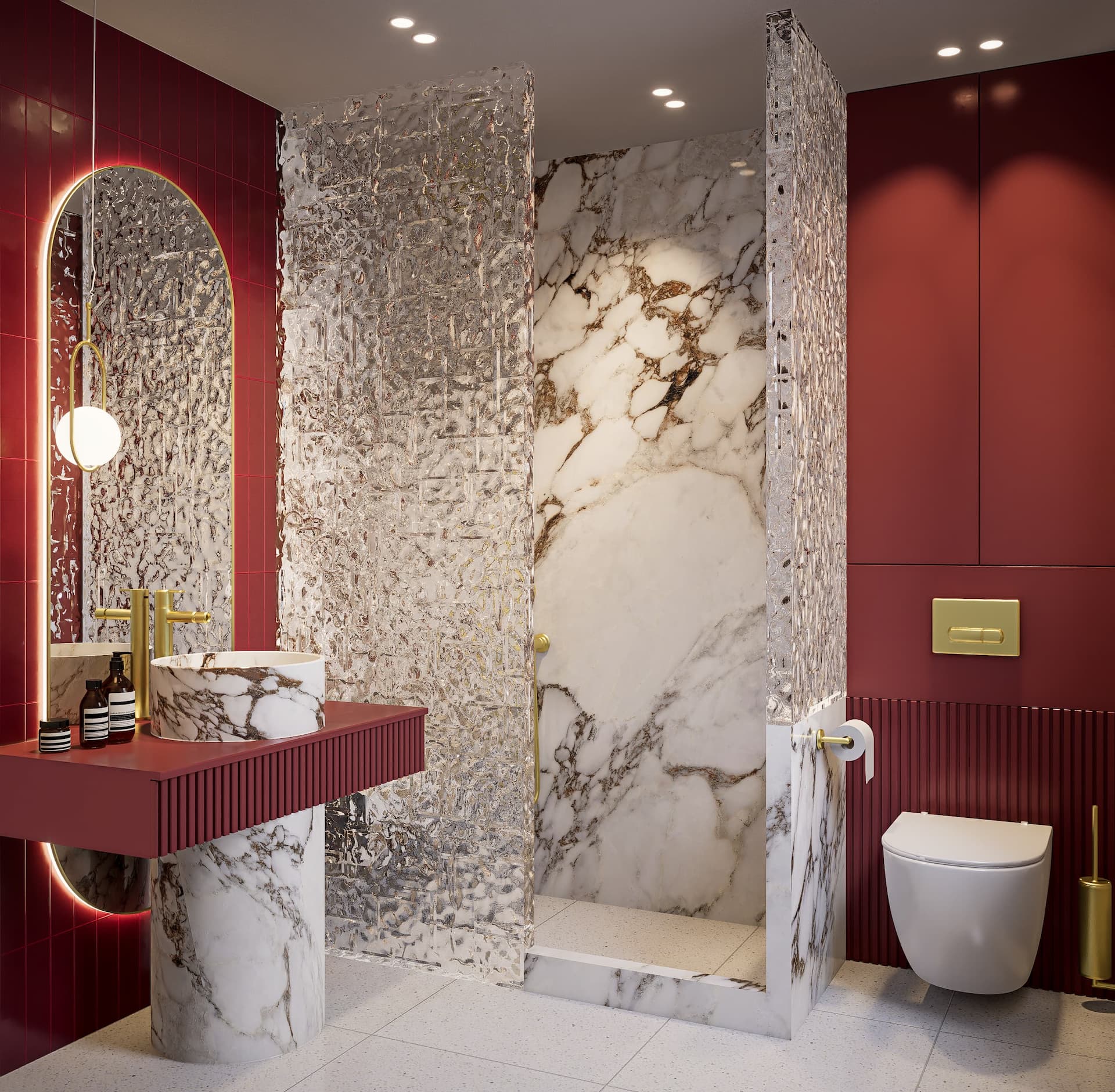
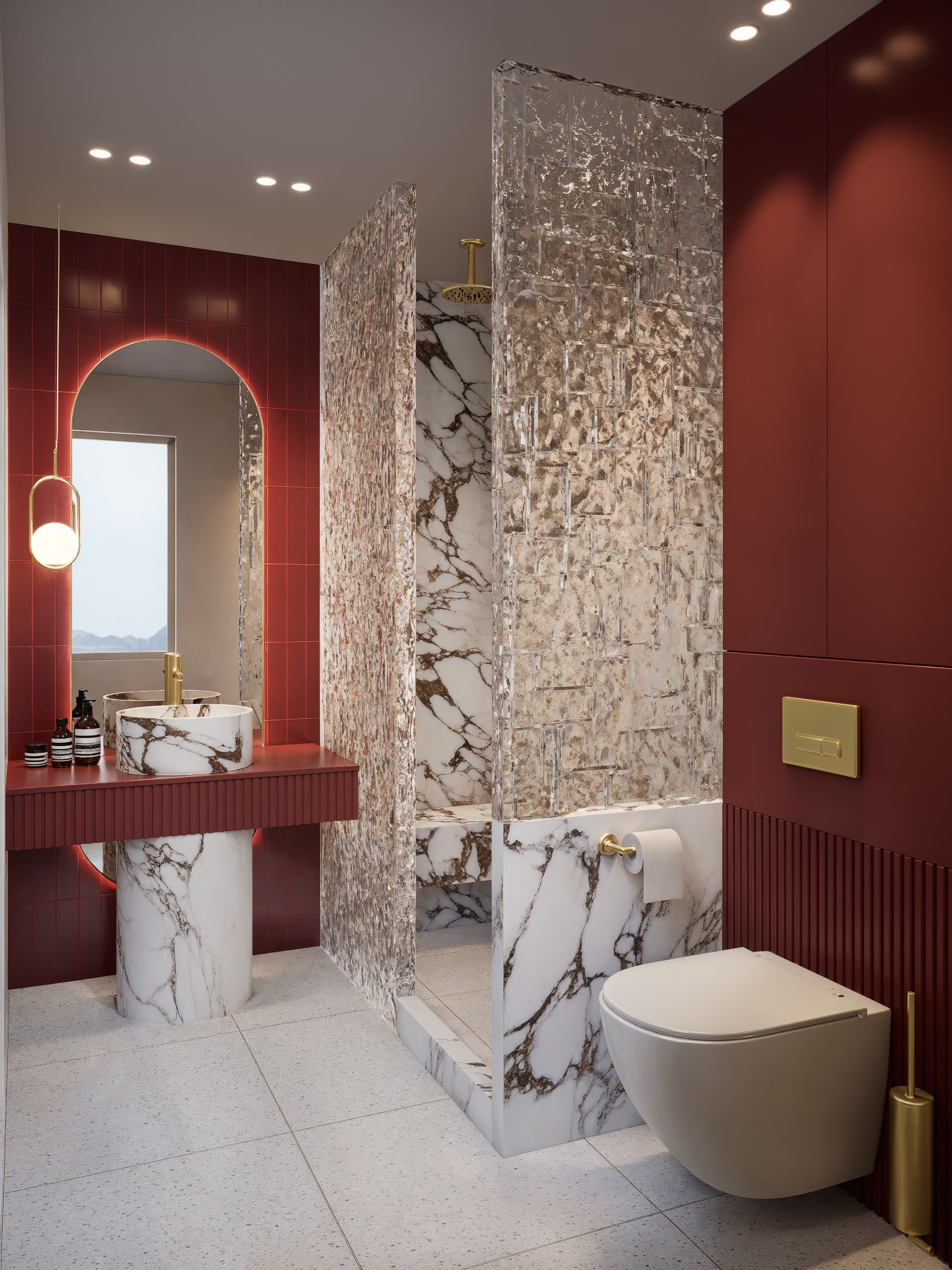
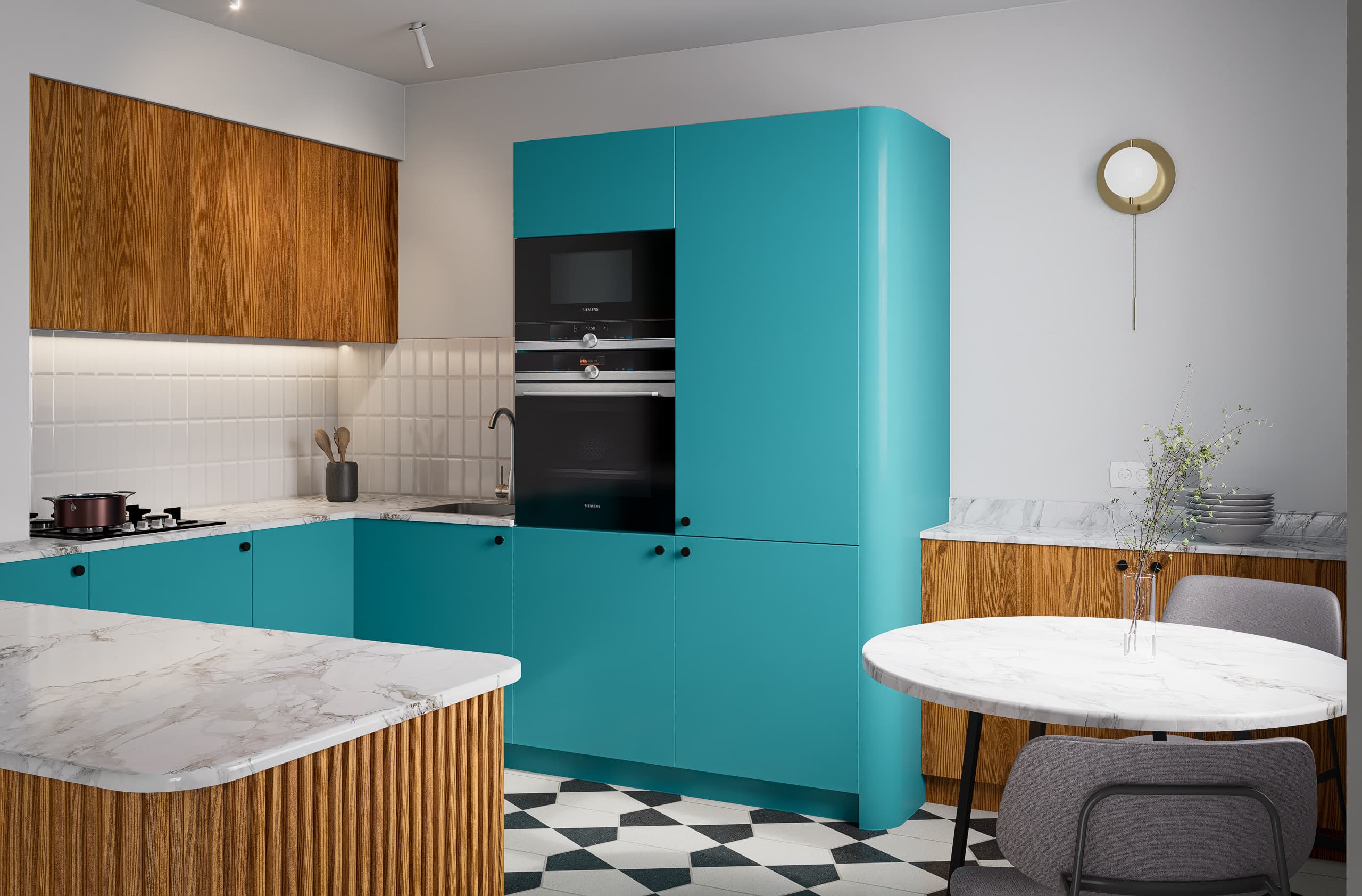
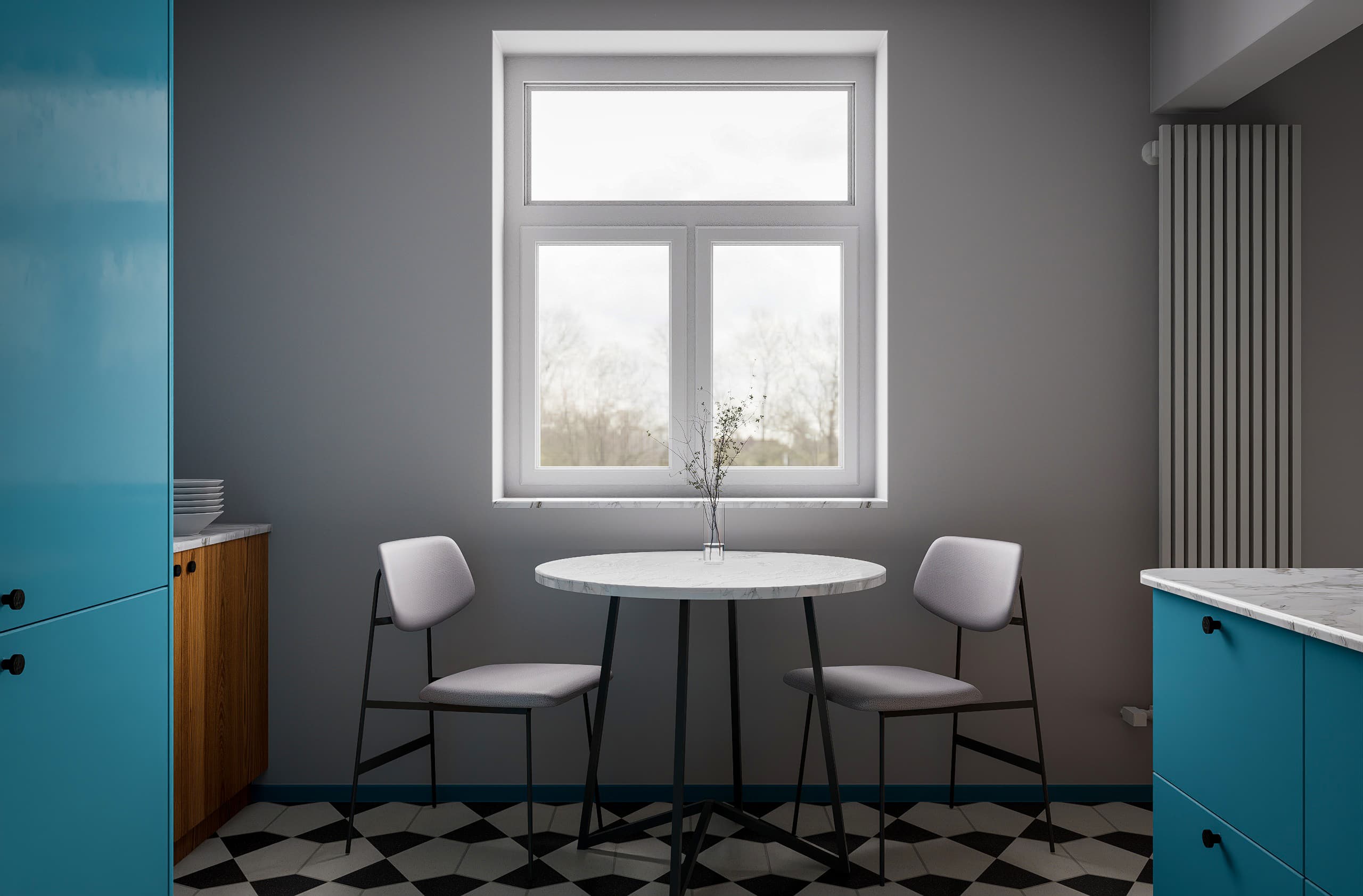
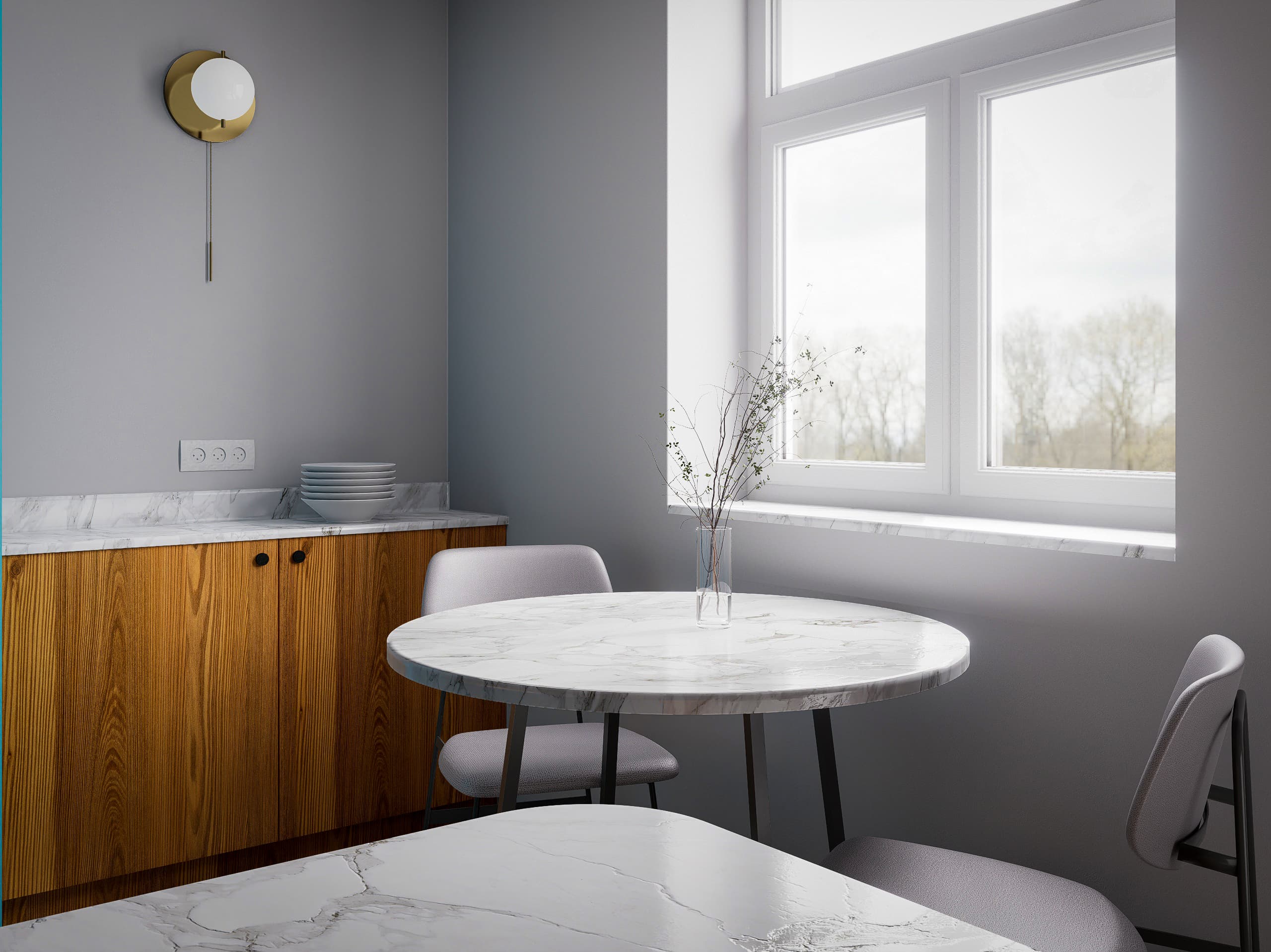
Create Renders Like These

No prior experience needed. These are the kinds of renders you’ll create step by step.

Why Designers Choose D5 Render

Faster workflow. Better results. Less effort.
Beginner-Friendly Workflow
Real-Time Rendering
Affordable and Accessible
AI Tools

Why This Course Works

0 +

Students Trained

0 +

Years of Experience

0 +

Countries Reached with Our Courses

What You’ll Be Able to Do After This Course

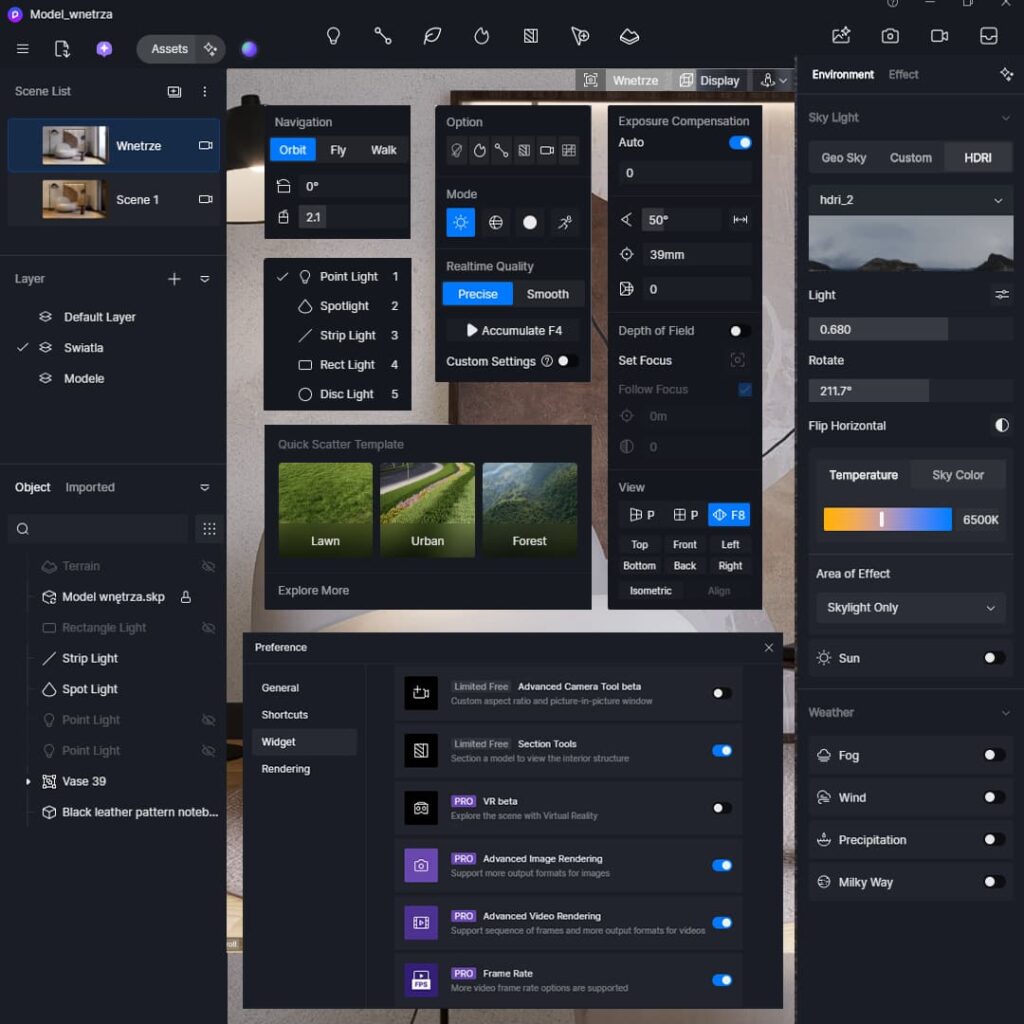
Master D5 Render from Scratch

Learn how to navigate the interface, prepare your model, and use all essential tools to create your first professional renders.
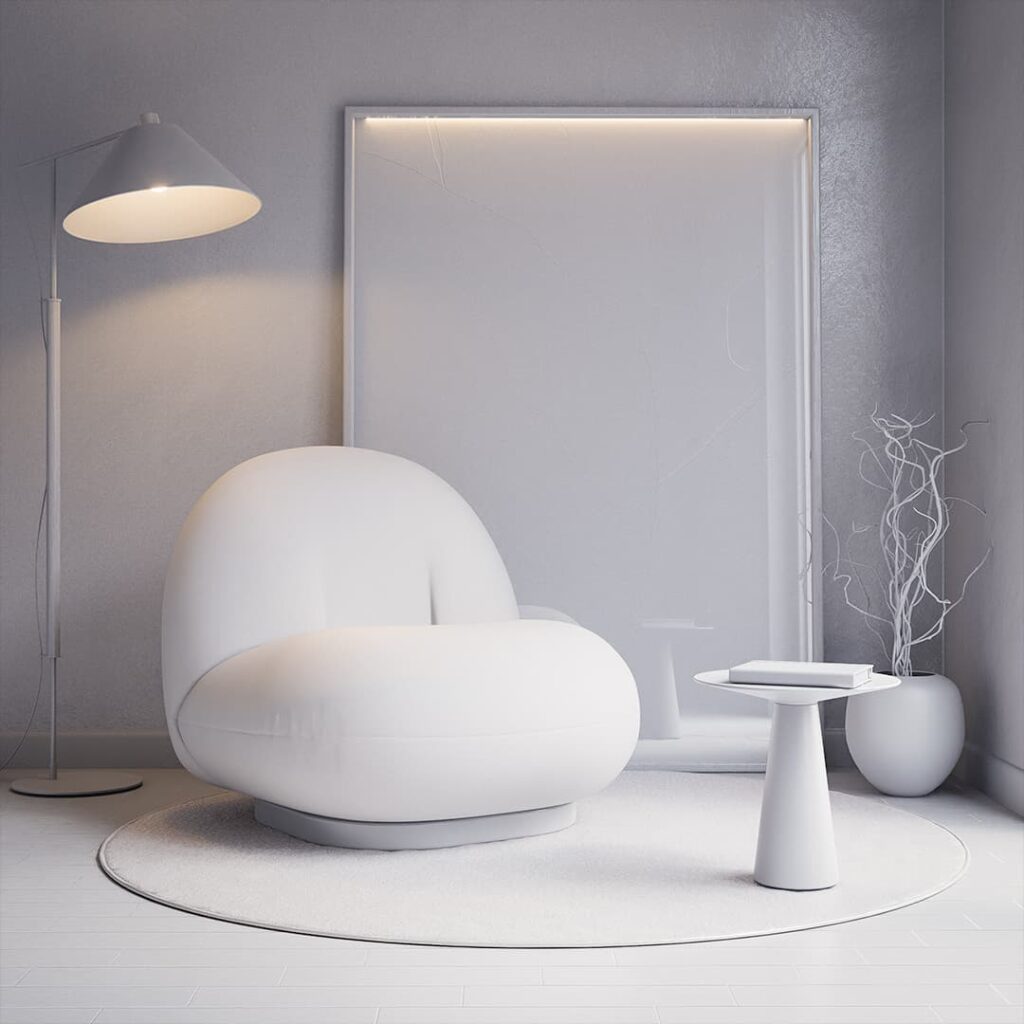
Create Realistic Lighting in Any Scene

Use HDRI, artificial lights, and advanced lighting techniques to achieve natural, photorealistic results.
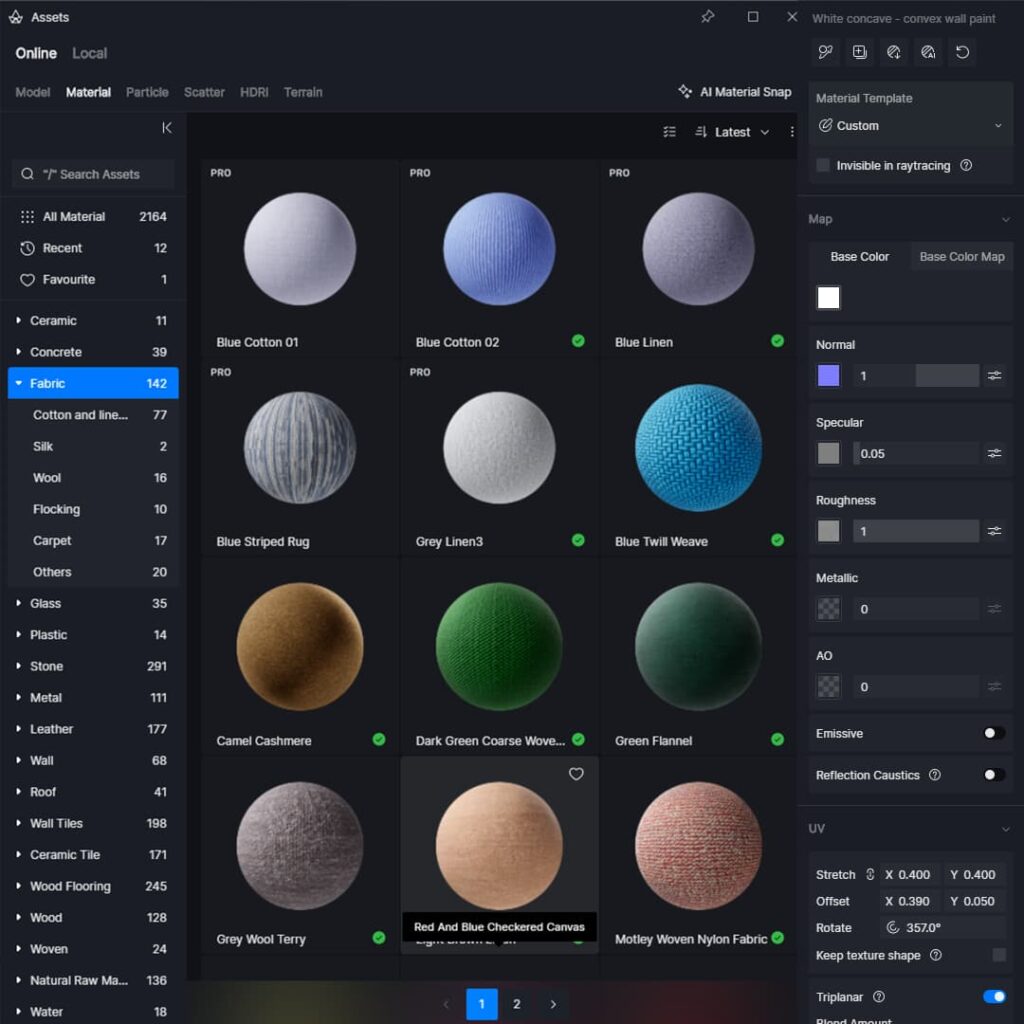
Build Professional Materials

Create realistic PBR materials and work with textures to make your renders look clean and believable.
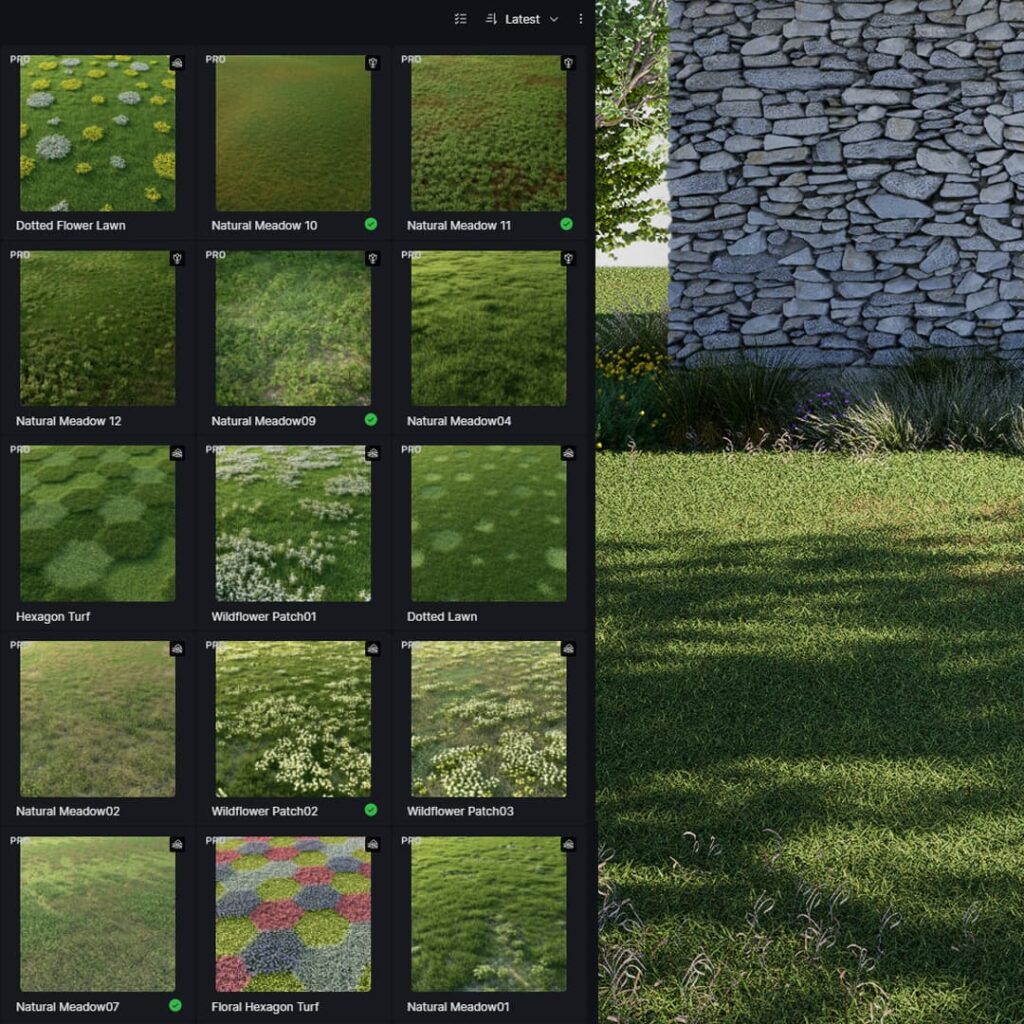
Design Natural Environments and Scenes

Learn composition, camera settings, and scene setup to create renders that look like real architectural photography.
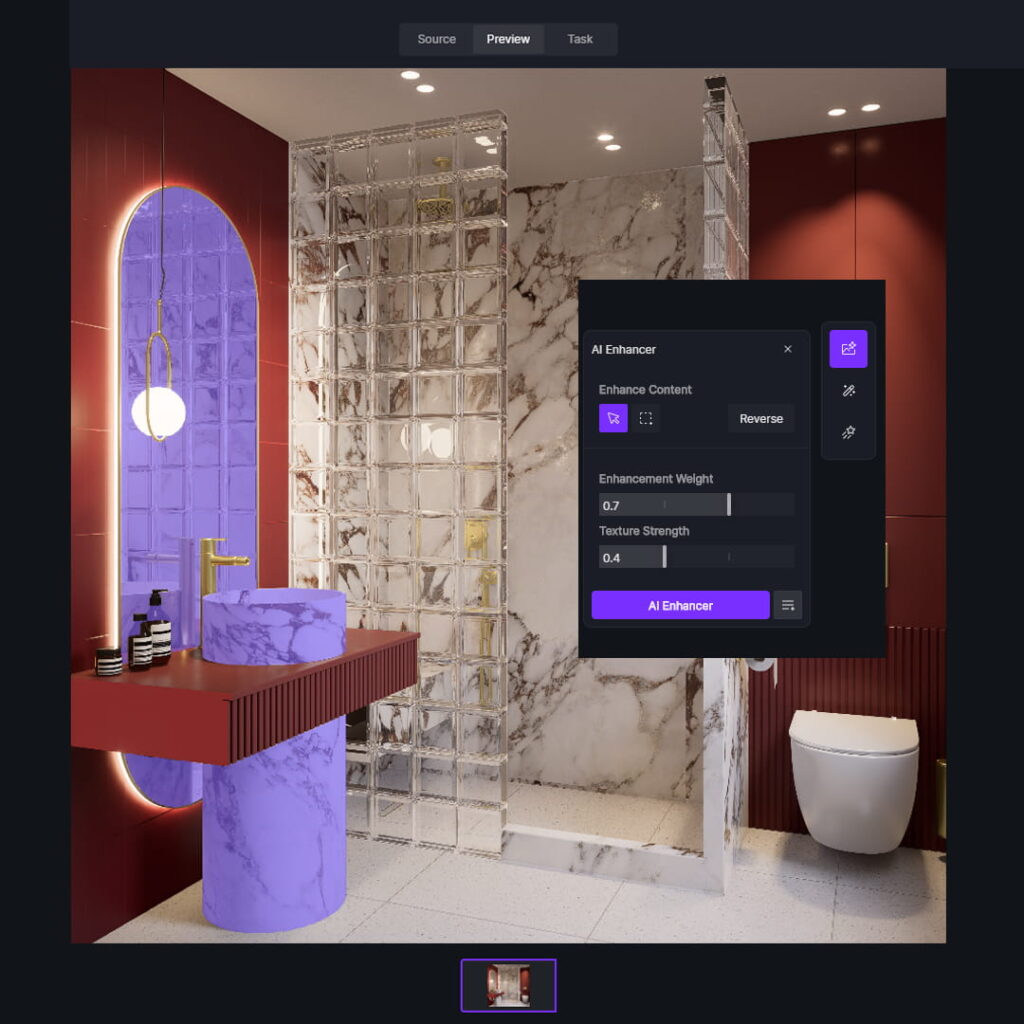
Enhance Your Renders with AI

Use AI tools to improve quality, colors, and overall look. In just a few clicks.
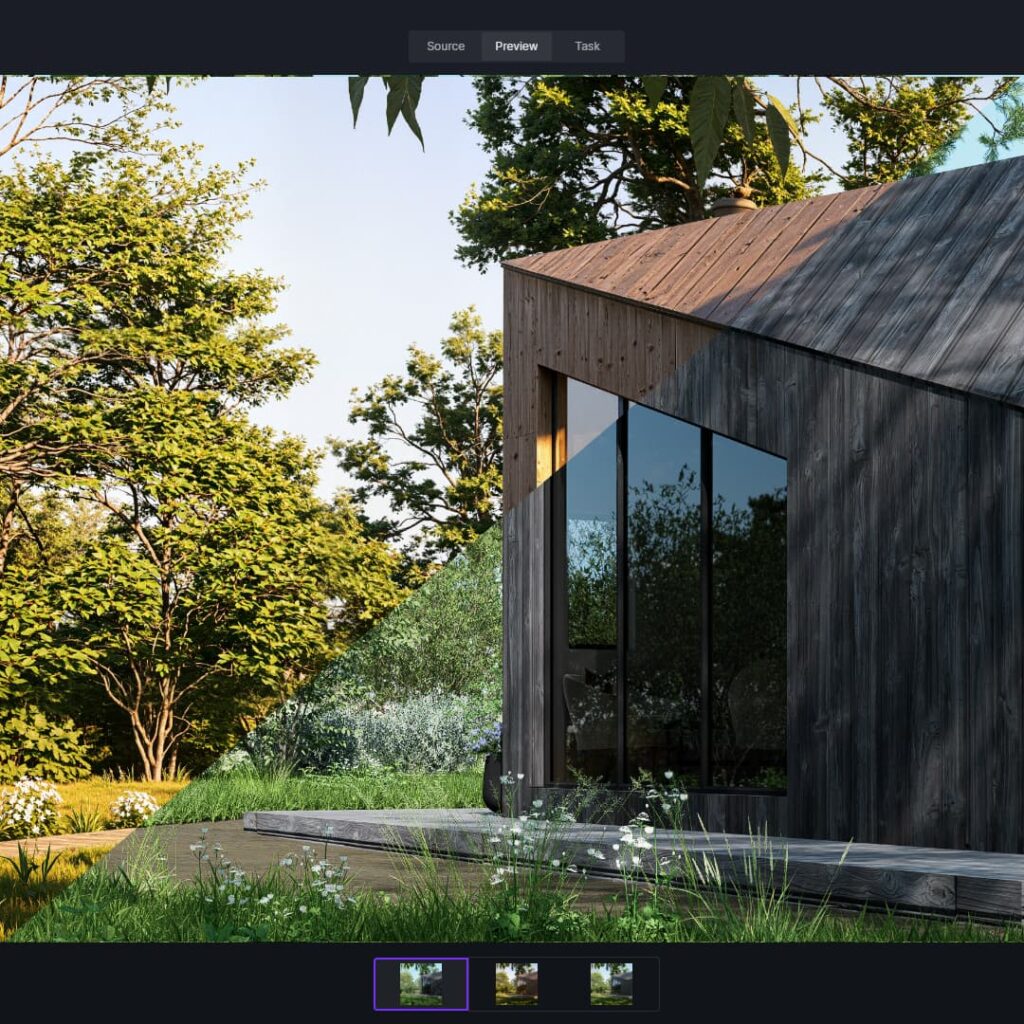
Create Animations and Tours

Build smooth animations and present your projects in a more dynamic, professional way.

BONUS FOR STUDENTS

Get 1 Month of D5 Render PRO Free

Join the course and receive 1 month of D5 Render PRO completely free.

Explore all PRO features, create animations, use advanced tools, and follow the lessons without limitations.

  • Full PRO access
  • Real-time rendering & animation
  • Perfect for learning with the course

Free lessons

Course lessons

0. MATERIALS TO DOWNLOAD
1.1 Welcome, course overview, and how to navigate the course
1.2 How to download and save course materials
2.1 Installing D5 Render and the LiveSync plugin. System requirements
2.2 D5 Render licensing
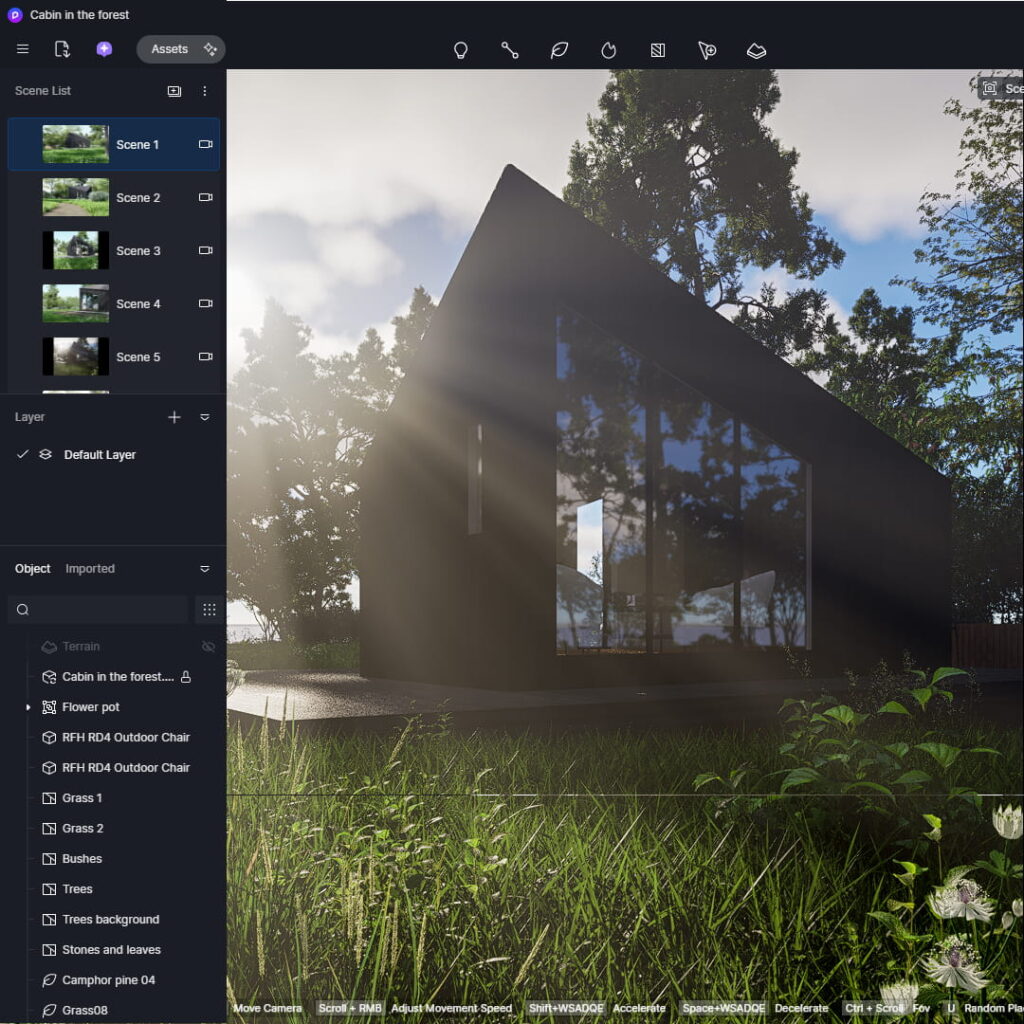
3.1 Overview of the start screen and connecting SketchUp with D5 Render
3.2 Preparing your SketchUp model for D5 Render
3.3 Interface and navigation
3.4 Scene and camera setup
3.5 Natural lighting
3.6 Adding and editing materials
3.7 Importing models, moving, scaling, and rotating
3.8 Edge rounding
3.9 Adding artificial lights
3.10 Light management
3.11 Scene and camera settings
4.1 Creating custom materials: Base Color Map and UV mapping
4.2 Understanding maps: Normal, Specular, Roughness, Metallic, Ambient Occlusion
4.3 Displacement settings
4.4 Cloth material preset
4.5 Custom Alpha materials, creating metallic materials, editing library materials
4.6 Where to find PBR materials
4.7 Caustics
5.1 Terrain modeling using the Sandbox plugin
5.2 Natural lighting and photorealistic materials
5.3 Scatter Tool – Part 1
5.4 Scatter Tool – Part 2
5.5 Advanced Brush: adding grass, shrubs, and trees
5.6 Adding individual plants
5.7 Creating compelling shots and adding models
5.8 Adding fog and rain effects
5.9 Creating animations
6.1 Connecting your SketchUp model with D5 Render
6.2 Setting up natural and artificial lighting
6.3 Wall material and blue cabinet fronts
6.4 Wooden fronts and slatted panels
6.5 Marble, white tiles, flooring, and fabric materials
6.6 Editing materials in D5 Render, edge rounding, and adding models
6.7 Adding rectangular lights and creating final renders
7.1 Model overview, creating sections and scenes
7.2 Natural and artificial lighting
7.3 Materials: walls, flooring, tiles, and faucet
7.4 Materials: marble, cabinet fronts, shower glass, ceramics, and emissive materials
7.5 Adding models and creating final renders
7.6 Creating animations
8.1 Model overview and scene setup
8.2 Creating natural and artificial lighting
8.3 Materials: walls, flooring, wooden fronts, and TV
8.4 Materials for the sofa and curtains
8.5 Adding models and creating final renders
9.1 Model overview and lighting setup
9.2 Materials: white facade, metal, concrete, and stone
9.3 Materials: paving, gravel, grass, and doors
9.4 Scatter tool: creating grass and low vegetation
9.5 Adding trees
9.6 Creating shots and final renders
9.7 Enhancing the stone facade in Photoshop
10.1 AI in D5 Render – Part 1
10.2 AI in D5 Render – Part 2

1. COURSE INTRODUCTION

1.1 Welcome, course overview, and how to navigate the course
1.2 How to download and save course materials

2. DOWNLOADING, INSTALLATION & LICENSING (D5 RENDER)

2.1 Installing D5 Render and the LiveSync plugin. System requirements
2.2 D5 Render licensing

3. D5 RENDER BASICS

3.1 Overview of the start screen and connecting SketchUp with D5 Render
3.2 Preparing your SketchUp model for D5 Render
3.3 Interface and navigation
3.4 Scene and camera setup
3.5 Natural lighting
3.6 Adding and editing materials
3.7 Importing models, moving, scaling, and rotating
3.8 Edge rounding
3.9 Adding artificial lights
3.10 Light management
3.11 Scene and camera settings

4. CREATING ADVANCED CUSTOM MATERIALS

4.1 Creating custom materials: Base Color Map and UV mapping
4.2 Understanding maps: Normal, Specular, Roughness, Metallic, Ambient Occlusion
4.3 Displacement settings

4. CREATING ADVANCED CUSTOM MATERIALS

4.4 Cloth material preset
4.5 Custom Alpha materials, creating metallic materials, editing library materials
4.6 Where to find PBR materials
4.7 Caustics

5. EXTERIOR SCENES, ENVIRONMENT & ANIMATION

5.1 Terrain modeling using the Sandbox plugin
5.2 Natural lighting and photorealistic materials
5.3 Scatter Tool – Part 1
5.4 Scatter Tool – Part 2
5.5 Advanced Brush: adding grass, shrubs, and trees
5.6 Adding individual plants
5.7 Creating compelling shots and adding models
5.8 Adding fog and rain effects
5.9 Creating animations

6. KITCHEN PROJECT

6.1 Connecting your SketchUp model with D5 Render
6.2 Setting up natural and artificial lighting
6.3 Wall material and blue cabinet fronts
6.4 Wooden fronts and slatted panels
6.5 Marble, white tiles, flooring, and fabric materials
6.6 Editing materials in D5 Render, edge rounding, and adding models
6.7 Adding rectangular lights and creating final renders

7. BATHROOM PROJECT

7.1 Model overview, creating sections and scenes
7.2 Natural and artificial lighting
7.3 Materials: walls, flooring, tiles, and faucet

7. BATHROOM PROJECT (continued)

7.4 Materials: marble, cabinet fronts, shower glass, ceramics, and emissive materials
7.5 Adding models and creating final renders
7.6 Creating animations

8. LIVING ROOM PROJECT

8.1 Model overview and scene setup
8.2 Creating natural and artificial lighting
8.3 Materials: walls, flooring, wooden fronts, and TV
8.4 Materials for the sofa and curtains
8.5 Adding models and creating final renders

9. EXTERIOR ELEVATION PROJECT

9.1 Model overview and lighting setup
9.2 Materials: white facade, metal, concrete, and stone
9.3 Materials: paving, gravel, grass, and doors
9.4 Scatter tool: creating grass and low vegetation
9.5 Adding trees
9.6 Creating shots and final renders
9.7 Enhancing the stone facade in Photoshop

10. AI IN D5 RENDER

10.1 AI in D5 Render – Part 1
10.2 AI in D5 Render – Part 2

English Is Not Your First Language? No Problem!

We Have Subtitles In These Languages:

🇪🇸 Spanish
🇫🇷 French
🇮🇹 Italian
🇹🇷 Turkish
🇵🇱 Polish
🇩🇪 German
🇯🇵 Japanese
🇷🇴 Romanian
🇸🇦 Arabic
🇮🇳 Hindi
🇰🇷 Korean
🇷🇸 Serbian
🇧🇩 Bengali
🇭🇺 Hungarian
🇵🇹 Portuguese
🇨🇿 Czech
🇨🇳 Chinese
🇮🇩 Indonesian
🇷🇺 Russian
🇸🇰 Slovak

Certified D5 Render Instructor

I became a certified D5 Render Instructor after months of creating visualizations, testing workflows, and improving my teaching process.

This certification confirms that the course is based on real experience, practical workflows, and professional visualization techniques used in real projects.

As a certified instructor, I can also offer my students 1 month of D5 Render PRO completely free.

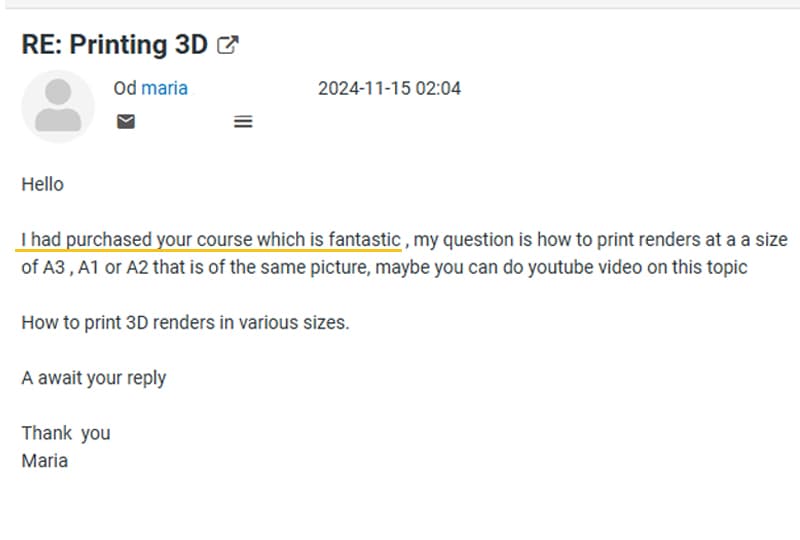
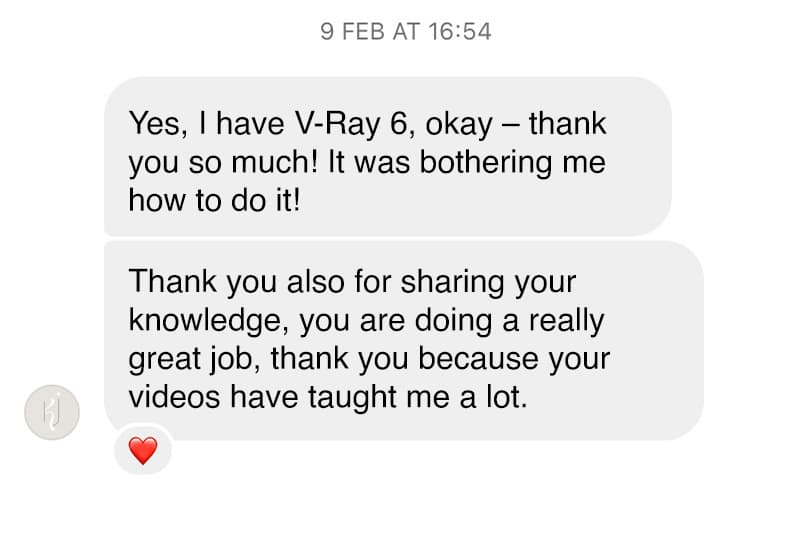
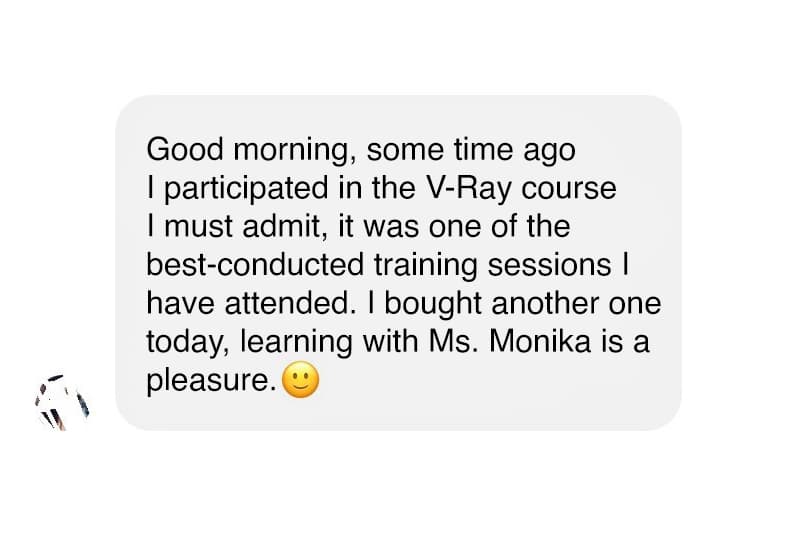
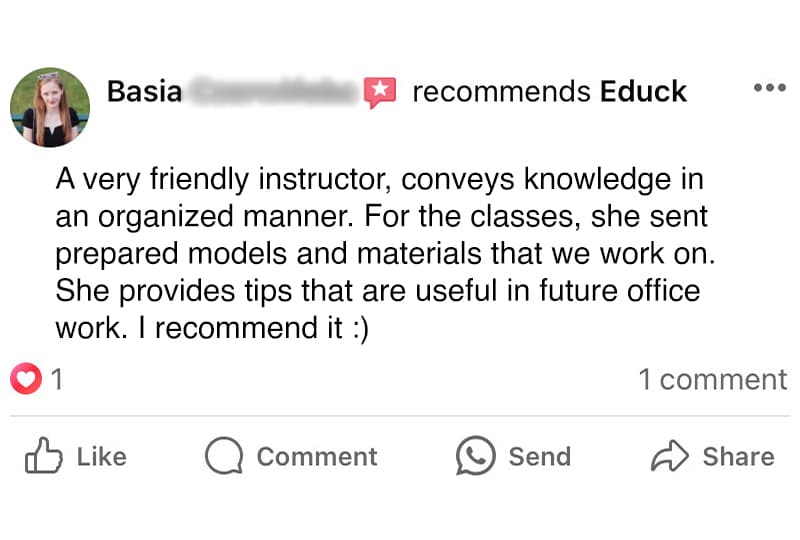
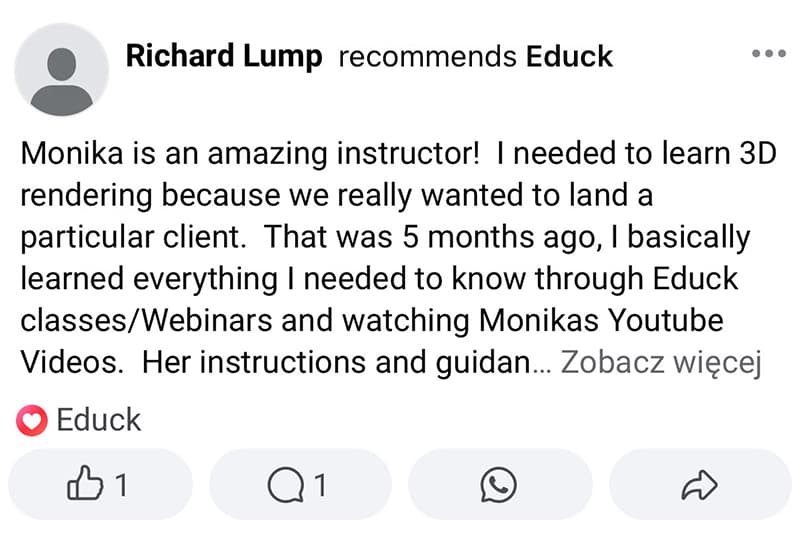
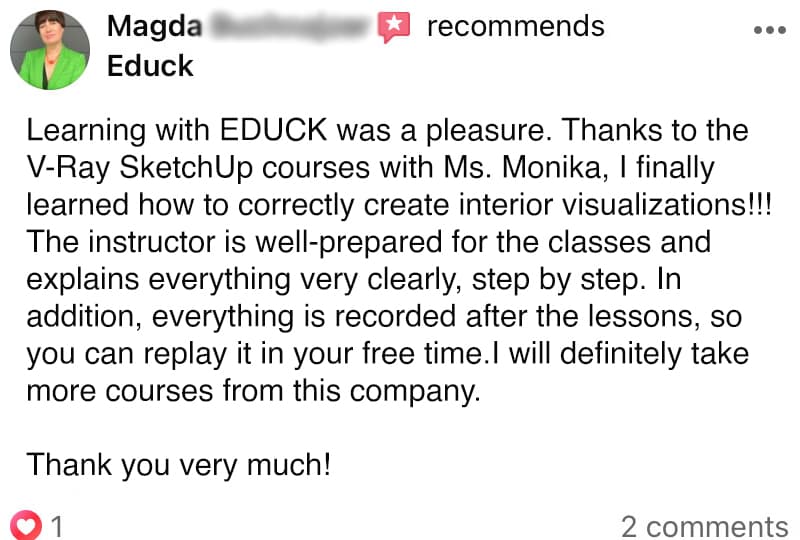
Reviews of Our Courses

We are committed to helping you grow your skills.
Thank you for every message, review,
and feedback about our courses.

Requirements

To get the most out of this course, you’ll need the right software and some basic knowledge. Here’s a quick checklist:

Software

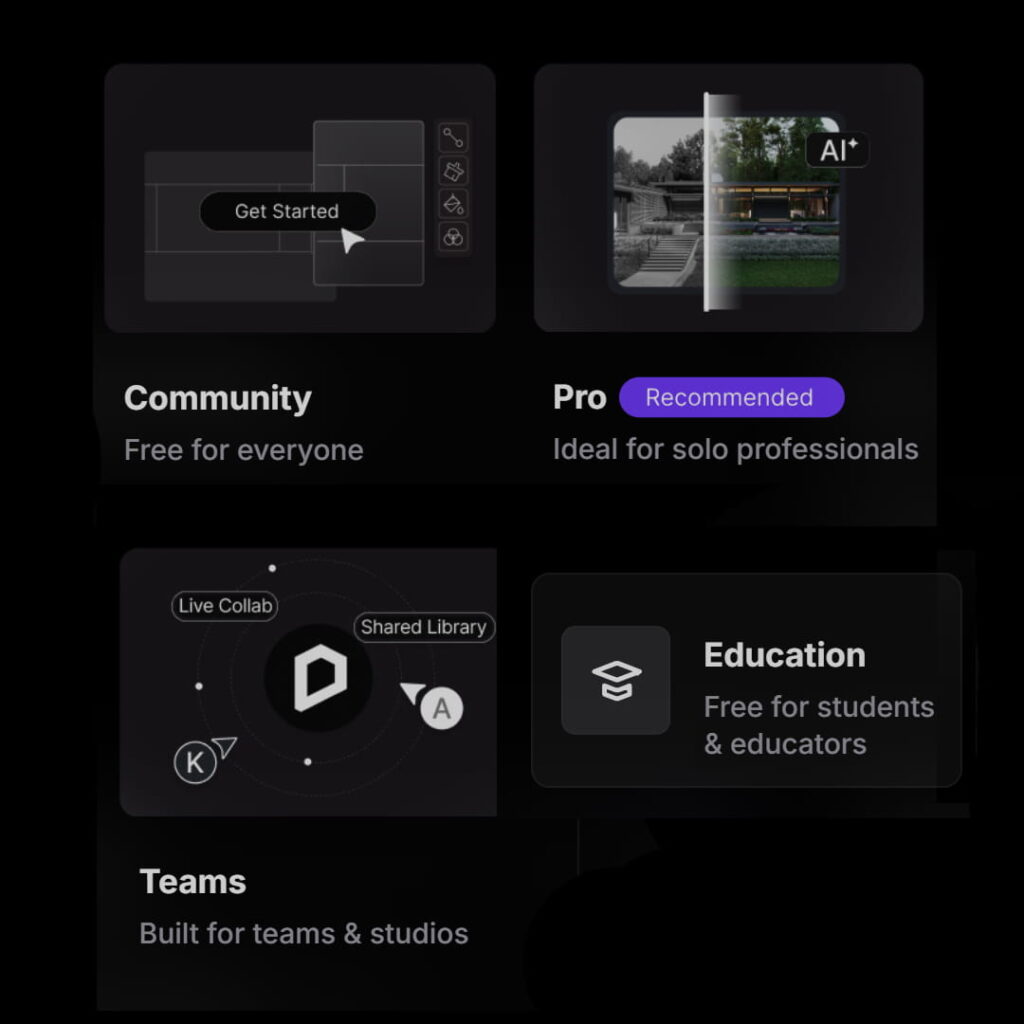
  • D5 Render: Use the Pro or Student version for full access to all features. The Community (free) version also works, but it has some limitations.
  • 3D Modeling Software: You’ll need a compatible program such as SketchUp, Rhino, or another tool to import your models. Check the D5 Render website for the full list of supported software.
  •  

Hardware

  • Graphics Card: A powerful GPU (e.g. Nvidia) with at least 6 GB of VRAM is required for smooth performance. You can find detailed requirements in the official D5 Render system specifications.

Basic Knowledge

  • 3D Modeling: A basic understanding of 3D modeling will help you integrate D5 Render into your workflow. This course focuses on visualization, not on the modeling process itself.
D5 RENDER COURSE

D5 Render Visualization Course

Interior & exterior
Beginner-friendly
Professional workflow

Original price was: €299,00.Current price is: €249,00. 202,44 excl. VAT

Frequently Asked Questions (FAQ)

Which version was the course created with?
The D5 Render Visualization Course was created using SketchUp 2025 and D5 Render 3. However, you can follow the course using different versions of the software, as all project files were saved in older compatible versions.
Graphics card requirements: NVIDIA GTX 1060 6GB, AMD Radeon RX 6000 XT, Intel Arc A3 or higher. Operating system: Windows 10 version 1809 or newer.
You will receive access to the course immediately after completing your order.
The purchased course is available in the “My Account” section. Simply log in to the account that was created during the purchase process.
Purchased courses are available on your account with lifetime access. You can return to them whenever you want.
Yes. During checkout, simply enter your billing details and the invoice will be automatically sent to your email address after the purchase.
Yes. After completing the course, your certificate will be automatically available in the “My Account” section on your account.

Do You Have Questions About the Course?

Contact Us by Filling Up The Form Below

D5 Render Visualization Course is Launched! Promo Lasts Until 20th of May!